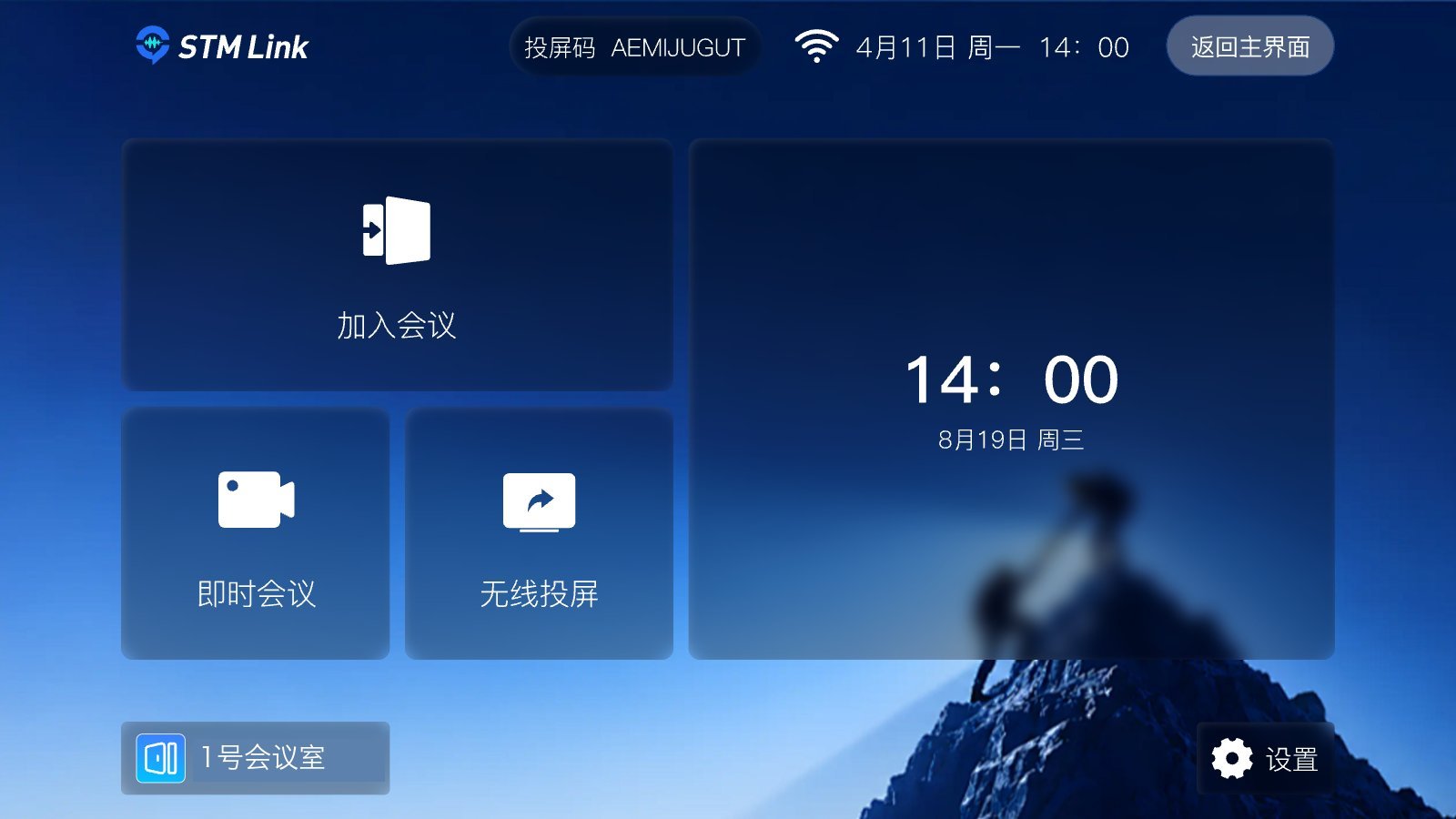
STM Link Rooms is the large-display edition of our meeting product. Install it on a meeting room’s Android TV or large display, and use a remote control to enter meetings, run meetings, and cast, all in the same meeting as people on phones and computers. STM Link Rooms home

Designed for meeting rooms


Main features

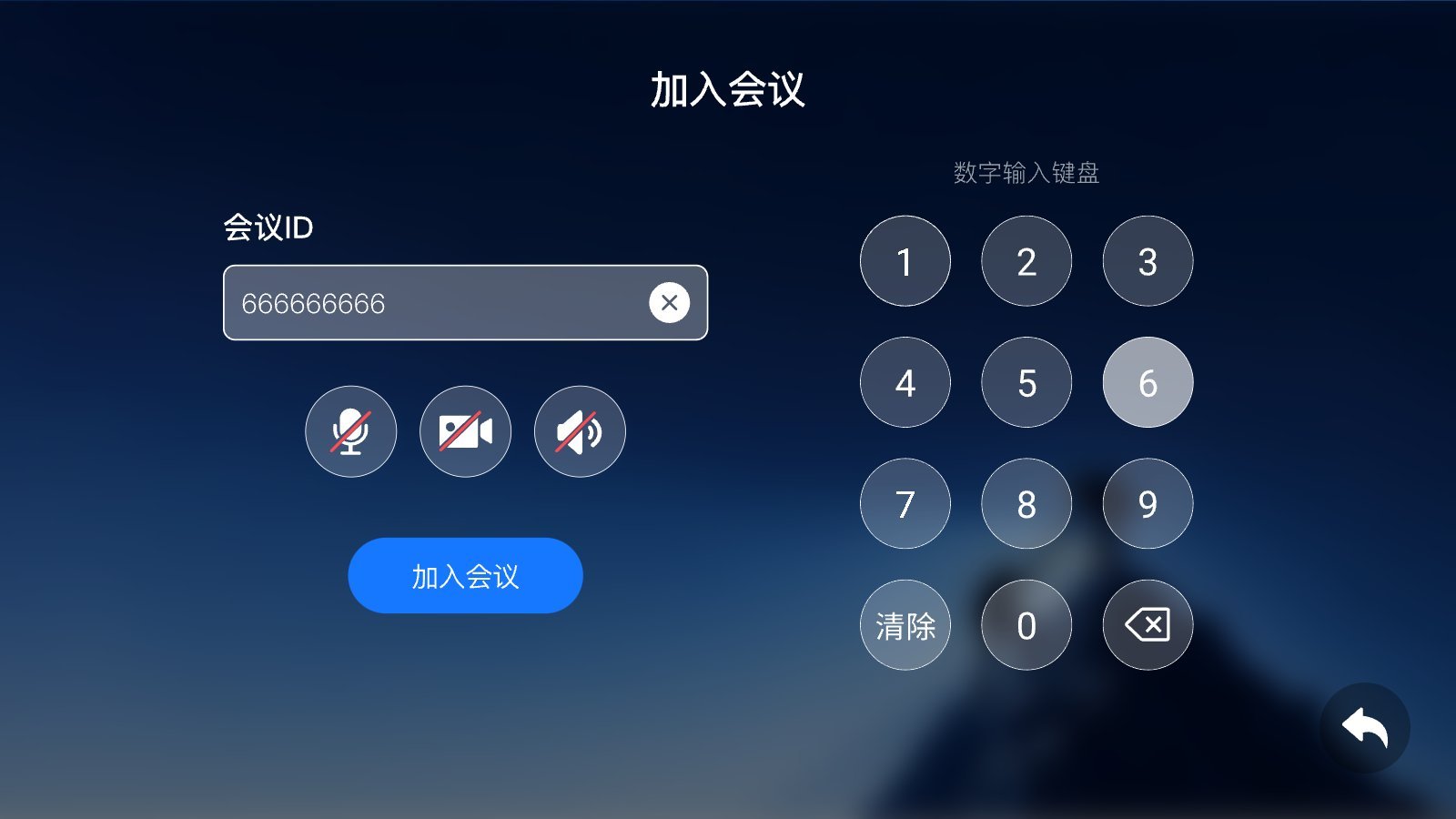
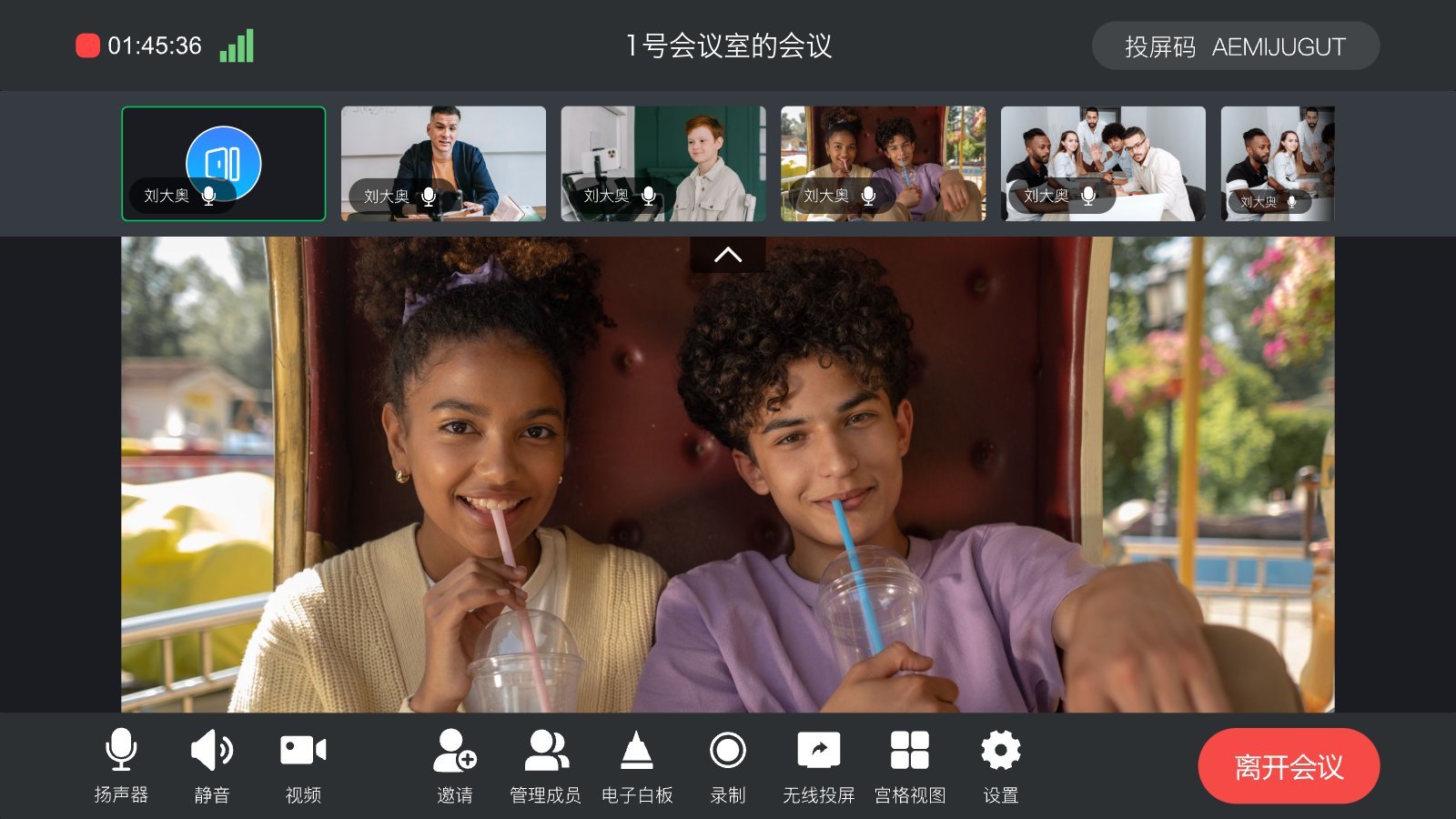
Join meeting: enter the meeting ID; before entering, you can turn the microphone, camera, and speaker on or off. If the meeting has a password, you’re prompted for it. Join meeting Instant meeting: enter a meeting name to start right away; during the meeting you can show the meeting ID and QR code so others can enter. Wireless casting: the cast code is always shown on the home page and top bar. Members open STM Link on their phones, tap “Wireless casting”, and enter the cast code to cast the phone screen to the large display. During the meeting: In-meeting view Settings: microphone / camera / speaker on by default when entering, voice activation, camera, microphone, and speaker selection, and update checks.
How it relates to other endpoints


Get it

STM Link Rooms is built on the SMeeting conferencing SDK and delivered per project. For the installation package and meeting-room accounts, contact us.