

Meeting demo
A complete meeting product built on the SMeeting conferencing SDK, suited to evaluating meeting features and interactions. It’s also the UI that low-code integration with UI lets you embed directly in your system.Before the meeting
The home page after login has three entry points—“Join meeting”, “Instant meeting”, and “Schedule meeting”—with today’s meetings and meeting history on the left.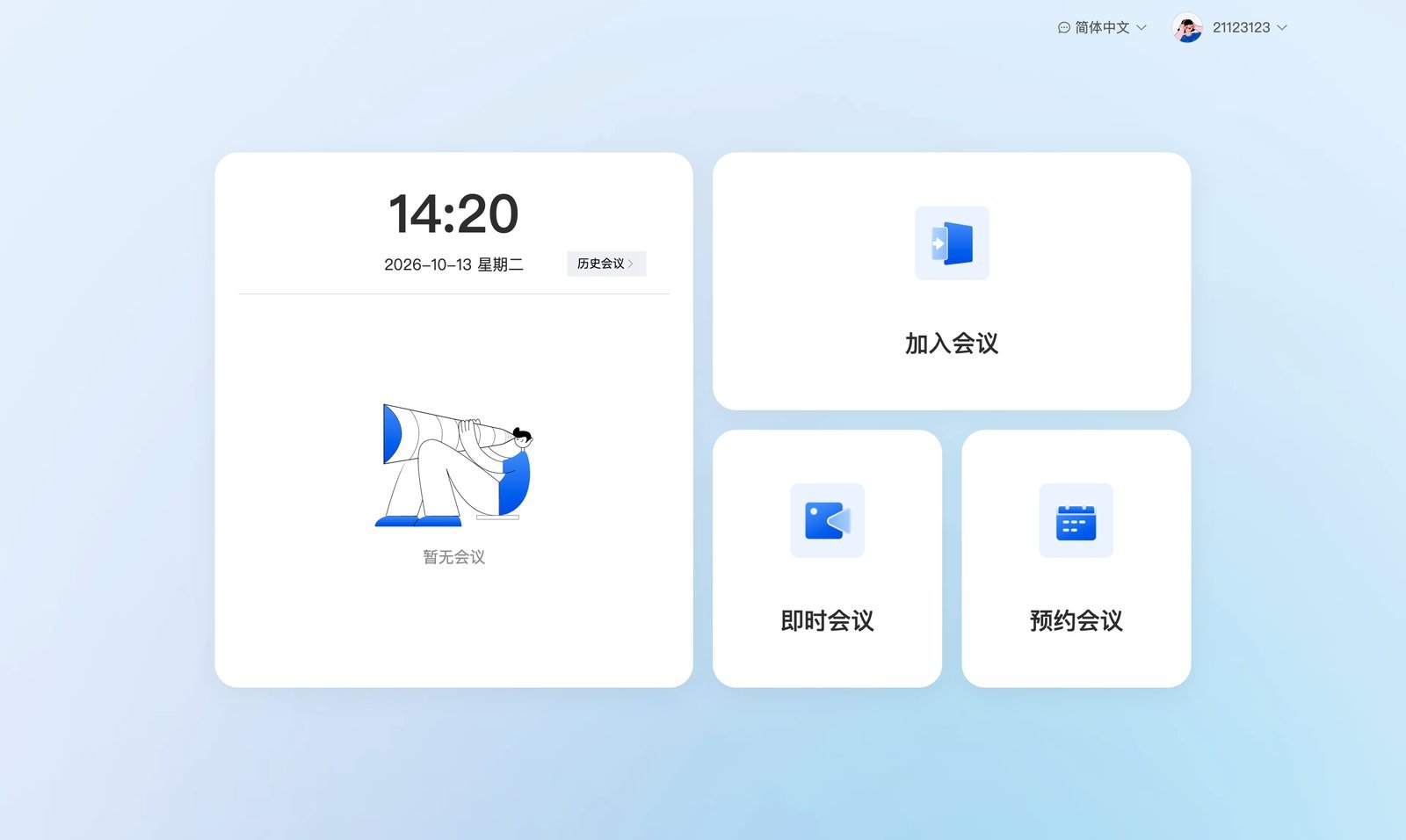
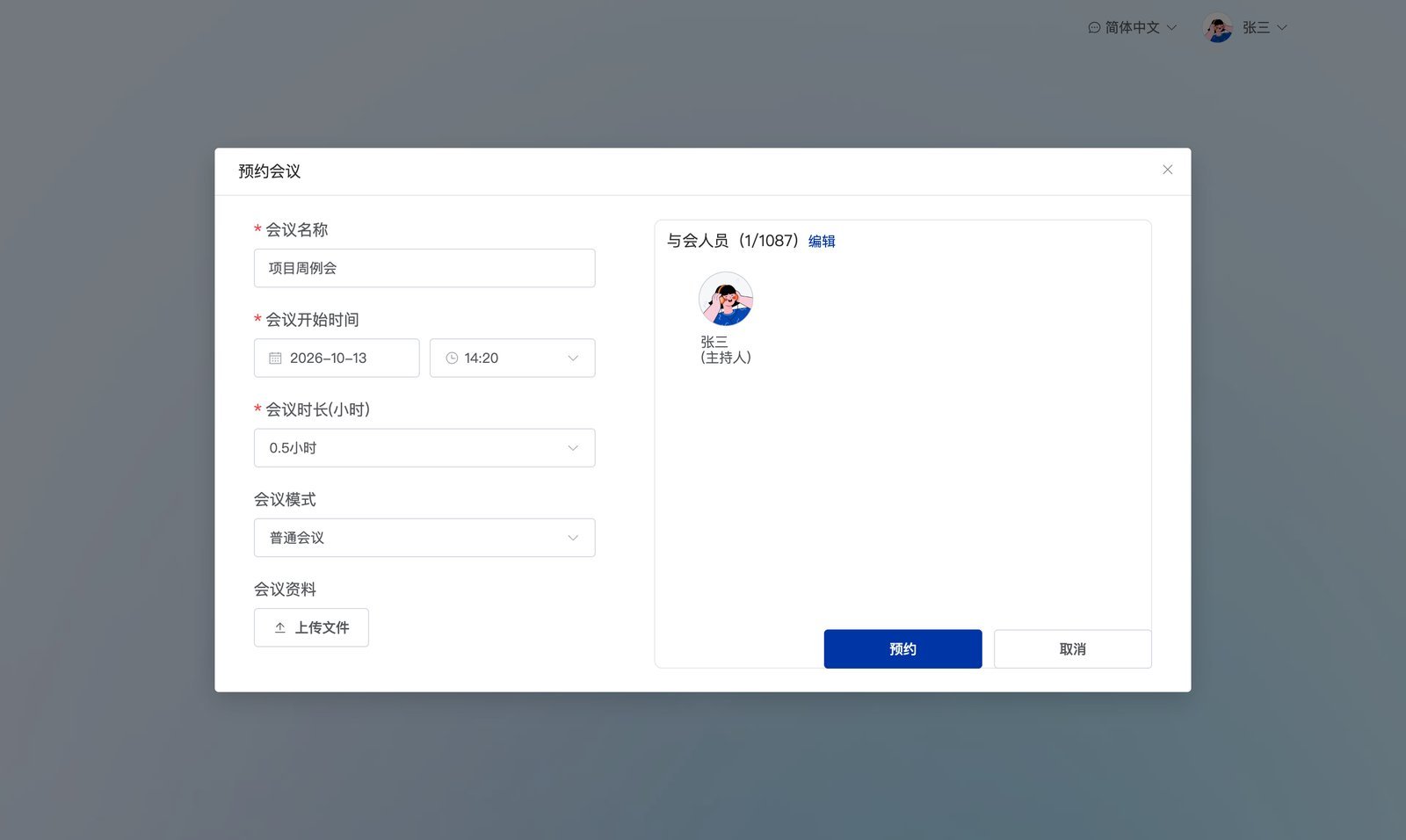
During the meeting
Bottom toolbar: speaker, microphone, camera, share screen, record, members, chat, sub-meetings, invite, sign-in, and settings. In the upper-left corner you can lock the meeting and view quality monitoring; in the upper-right corner you switch layouts.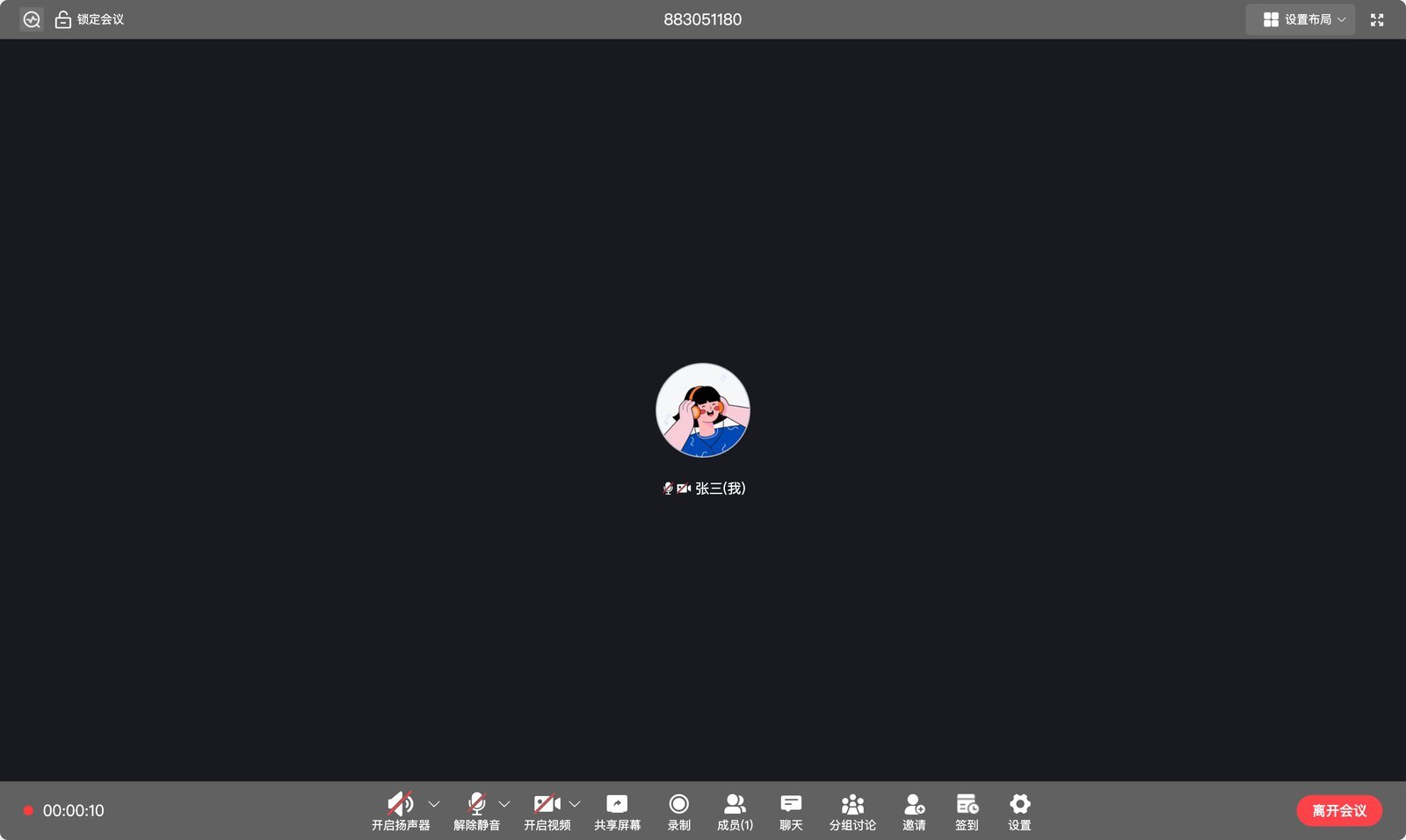
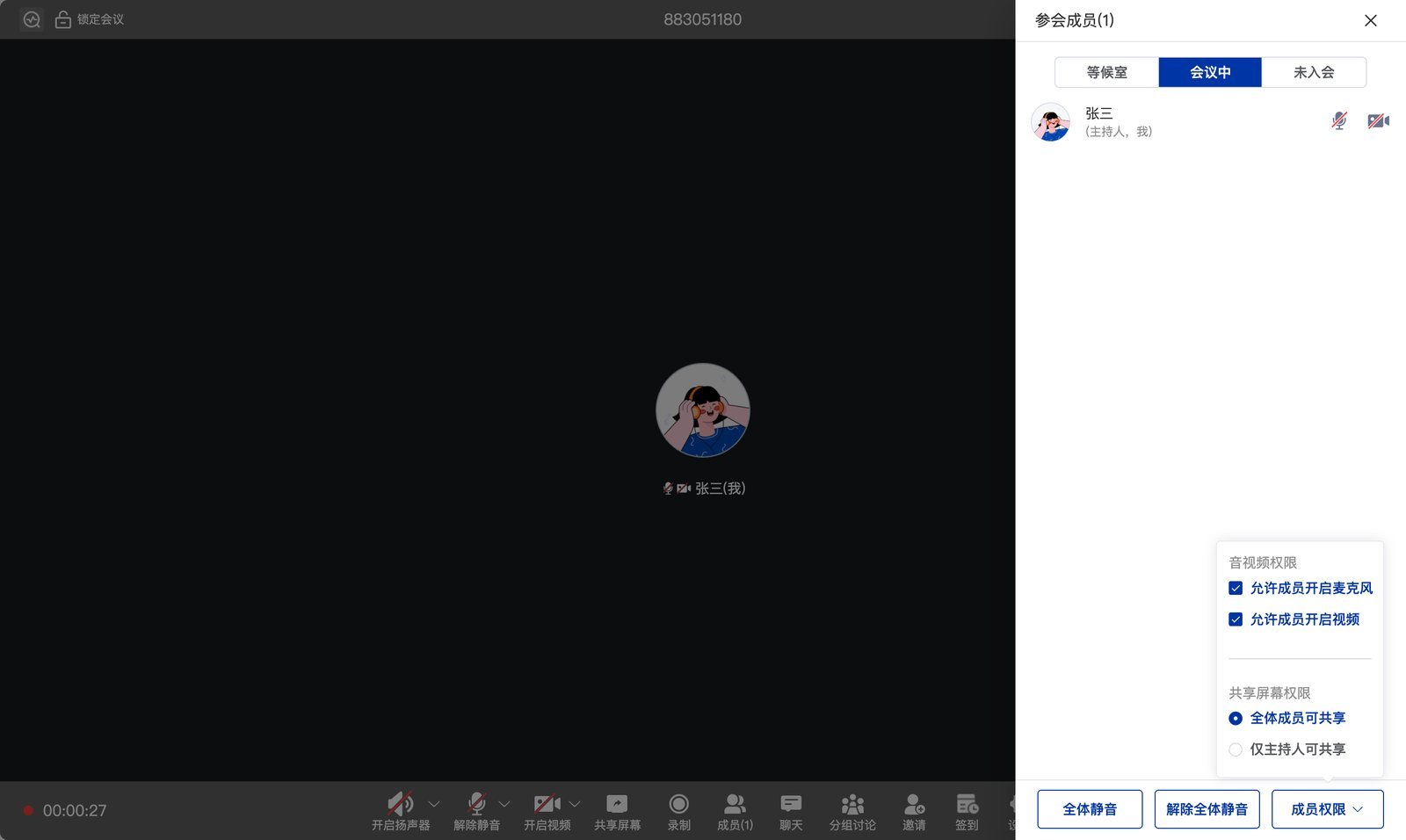
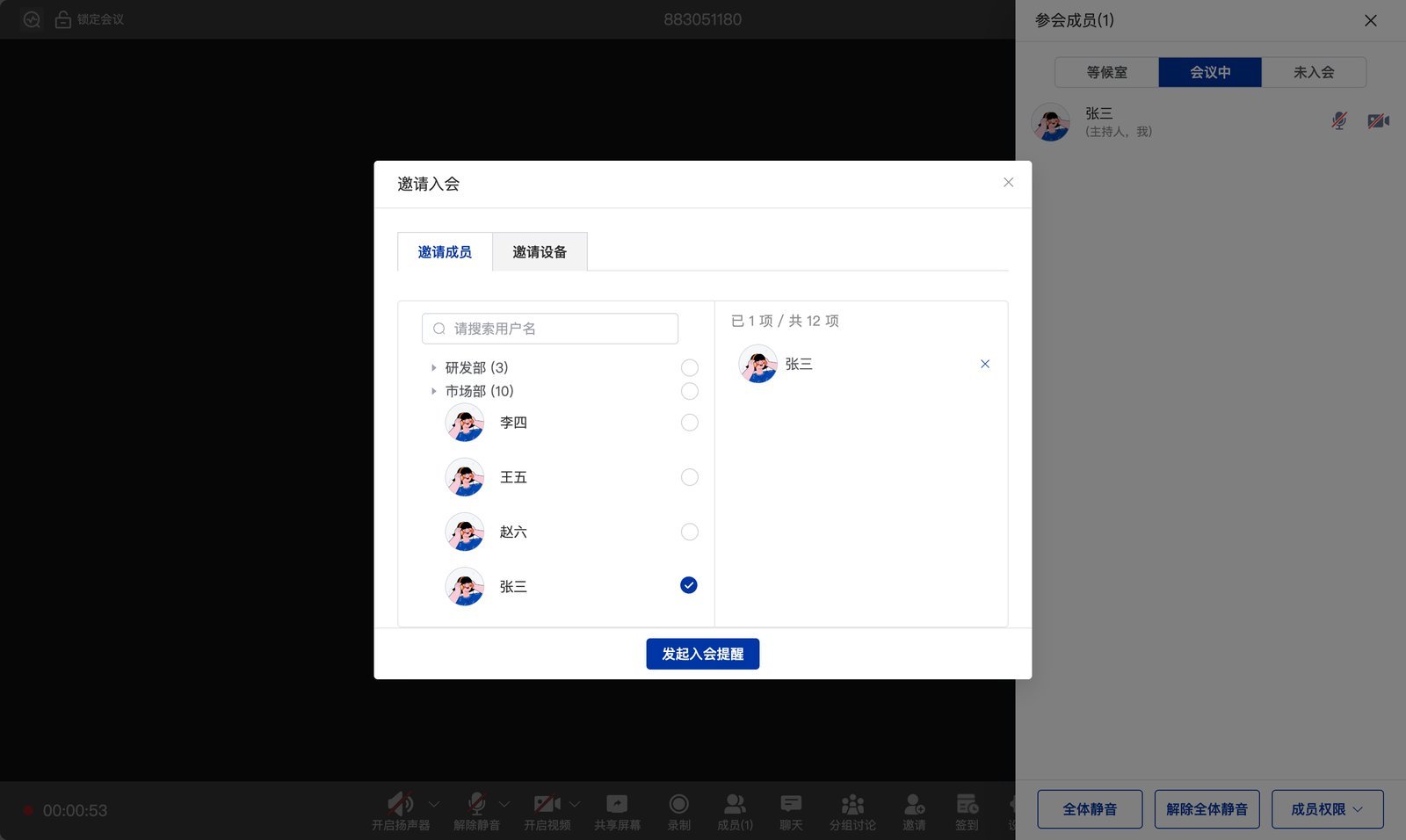
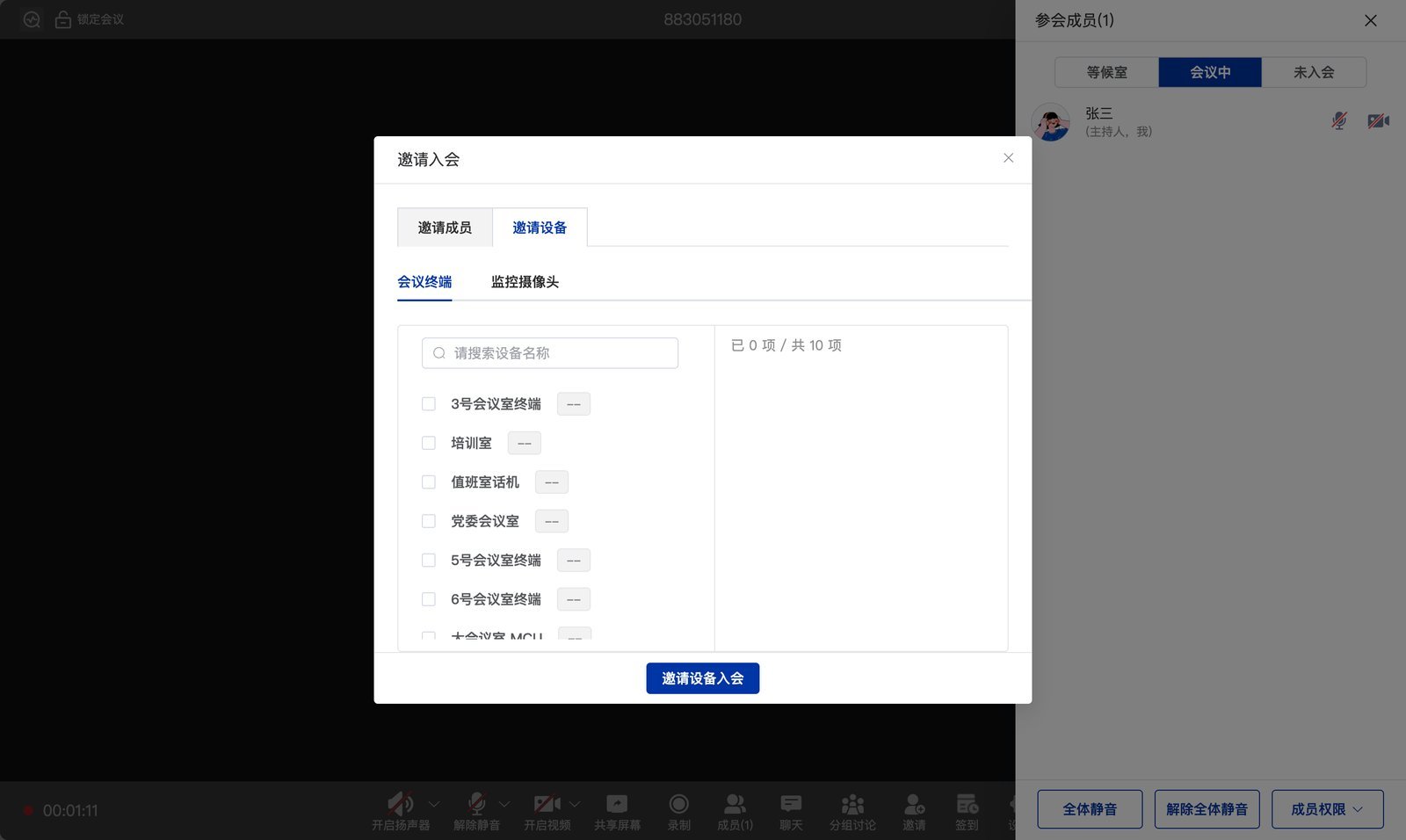
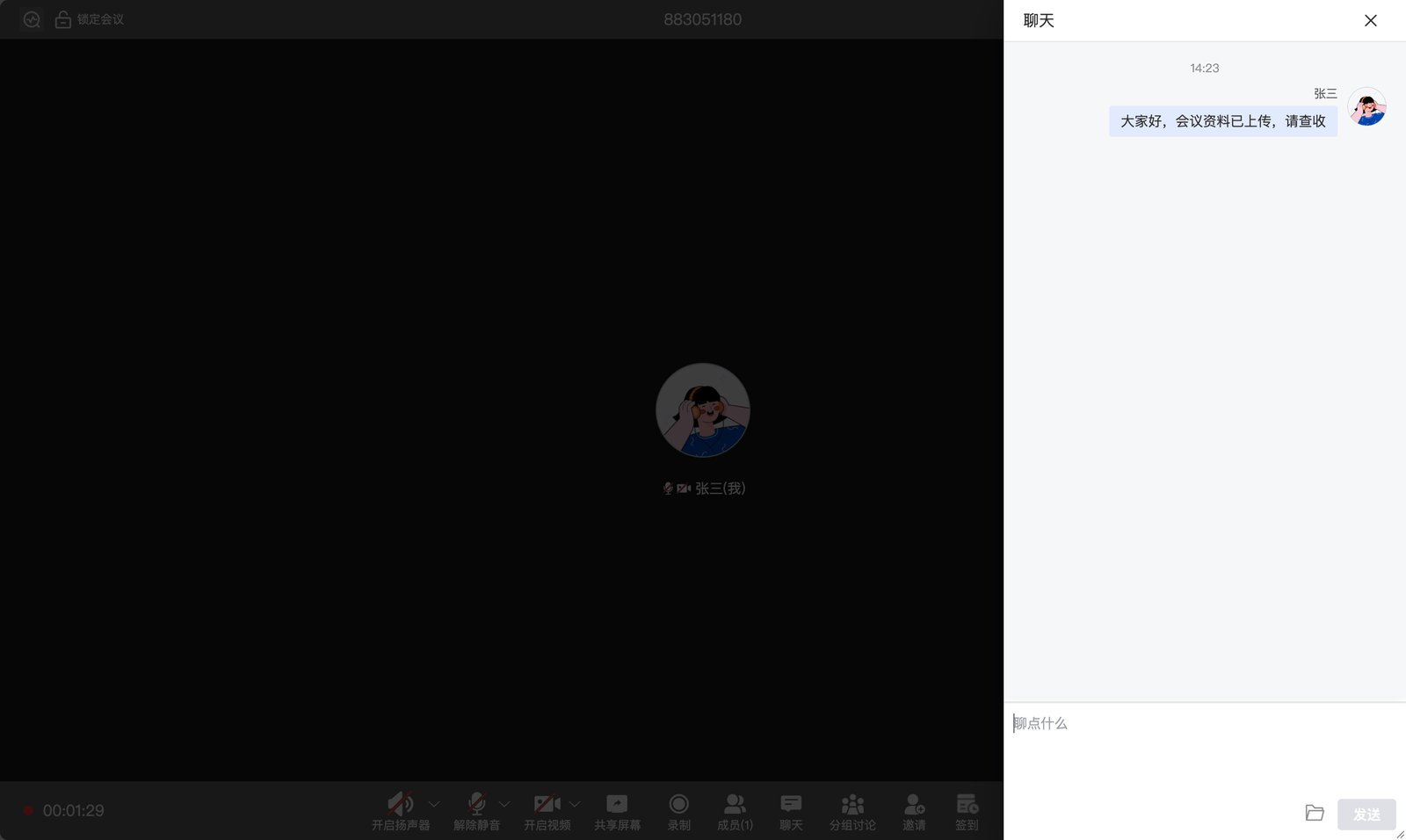
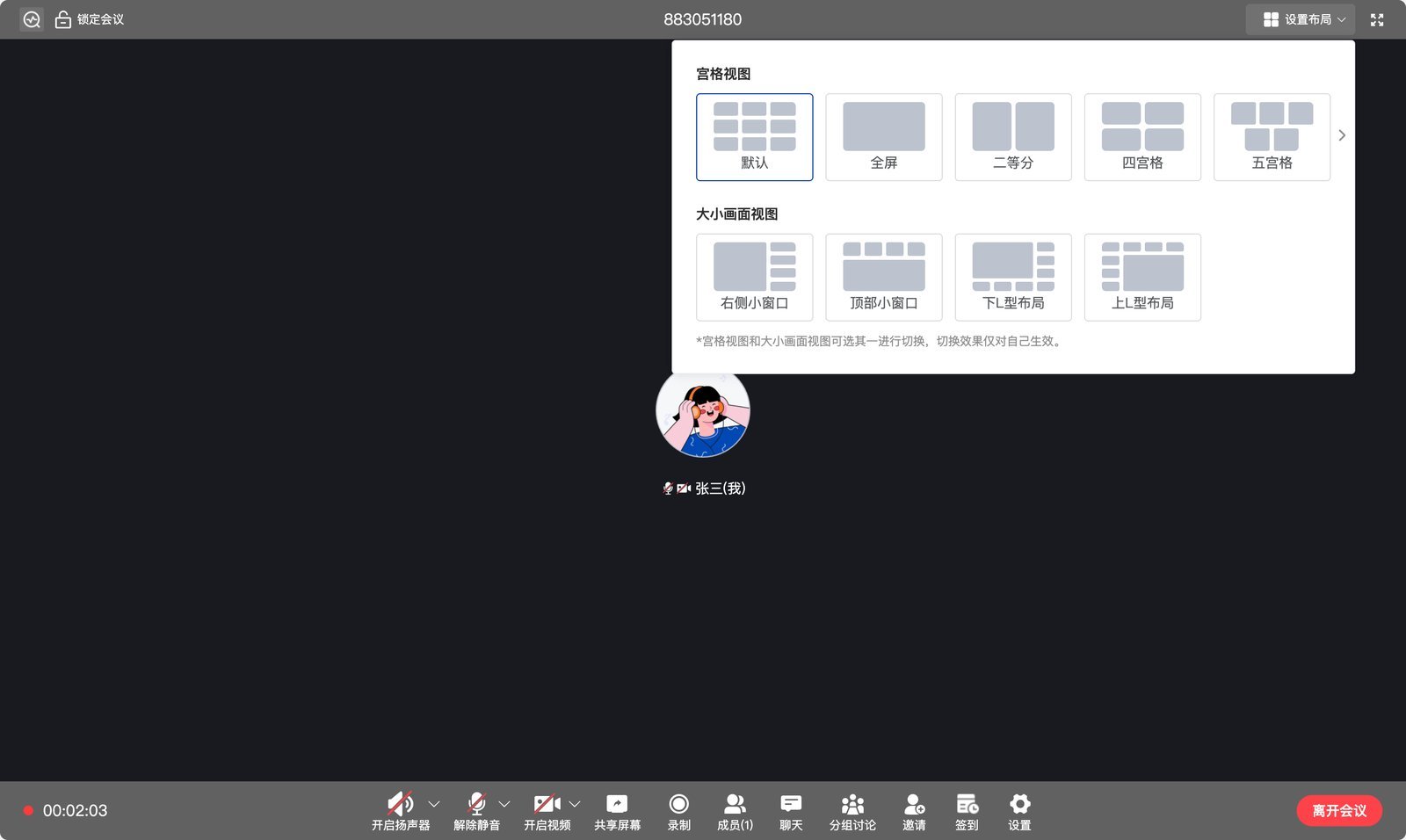
After the meeting
Meeting history shows each meeting’s time, meeting ID, type, materials, and invitees, and you can Restart the same meeting with one click.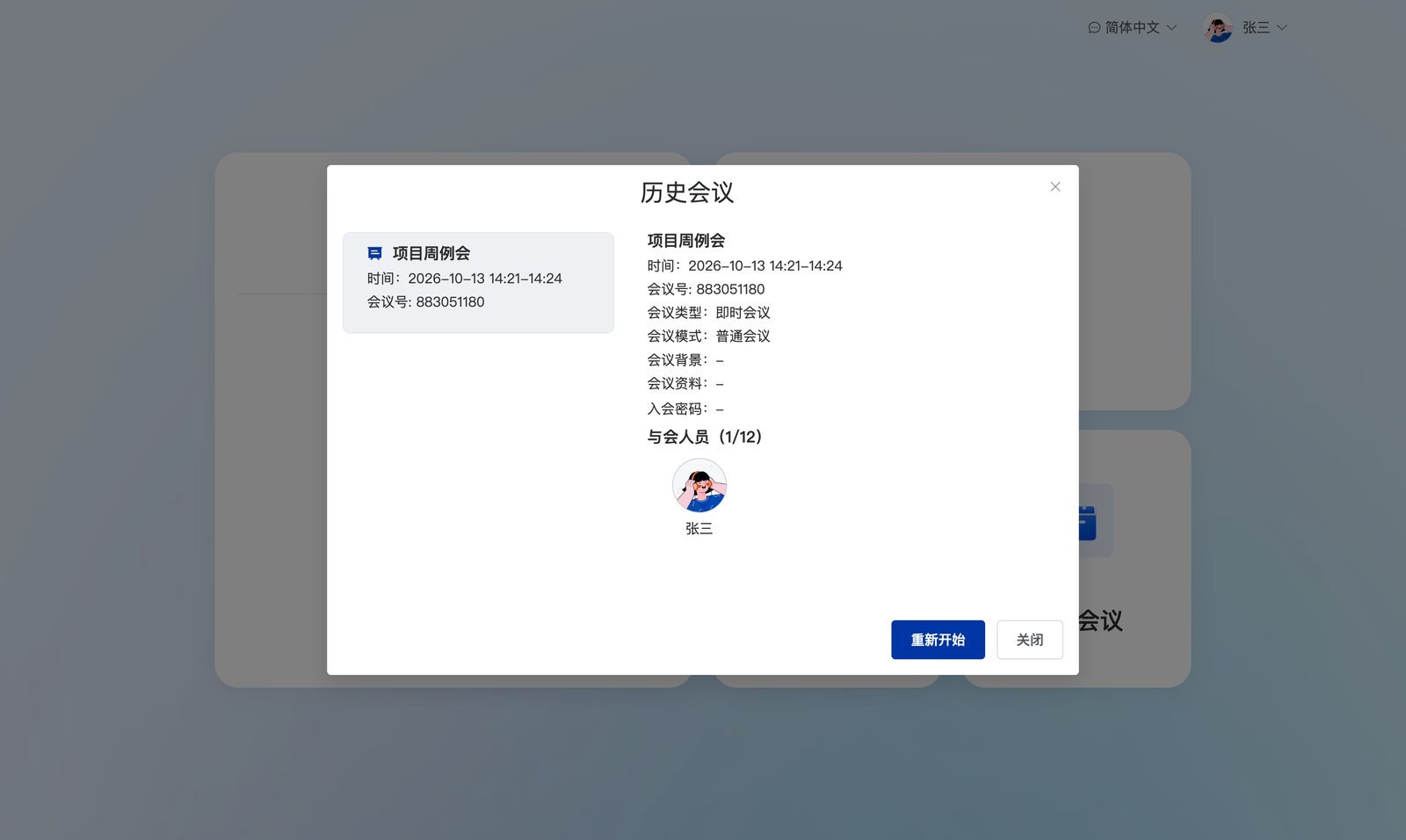
RTC demo
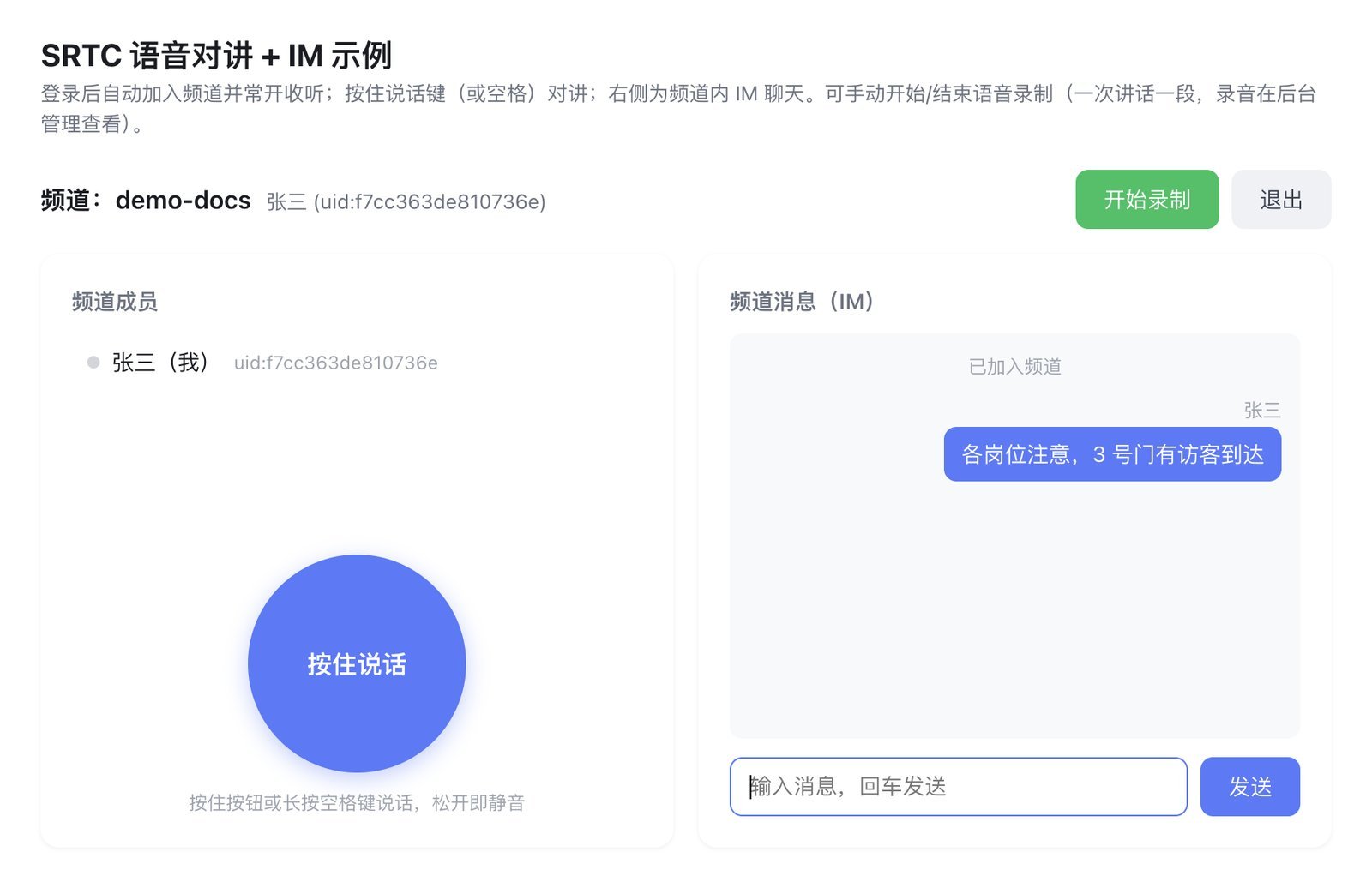
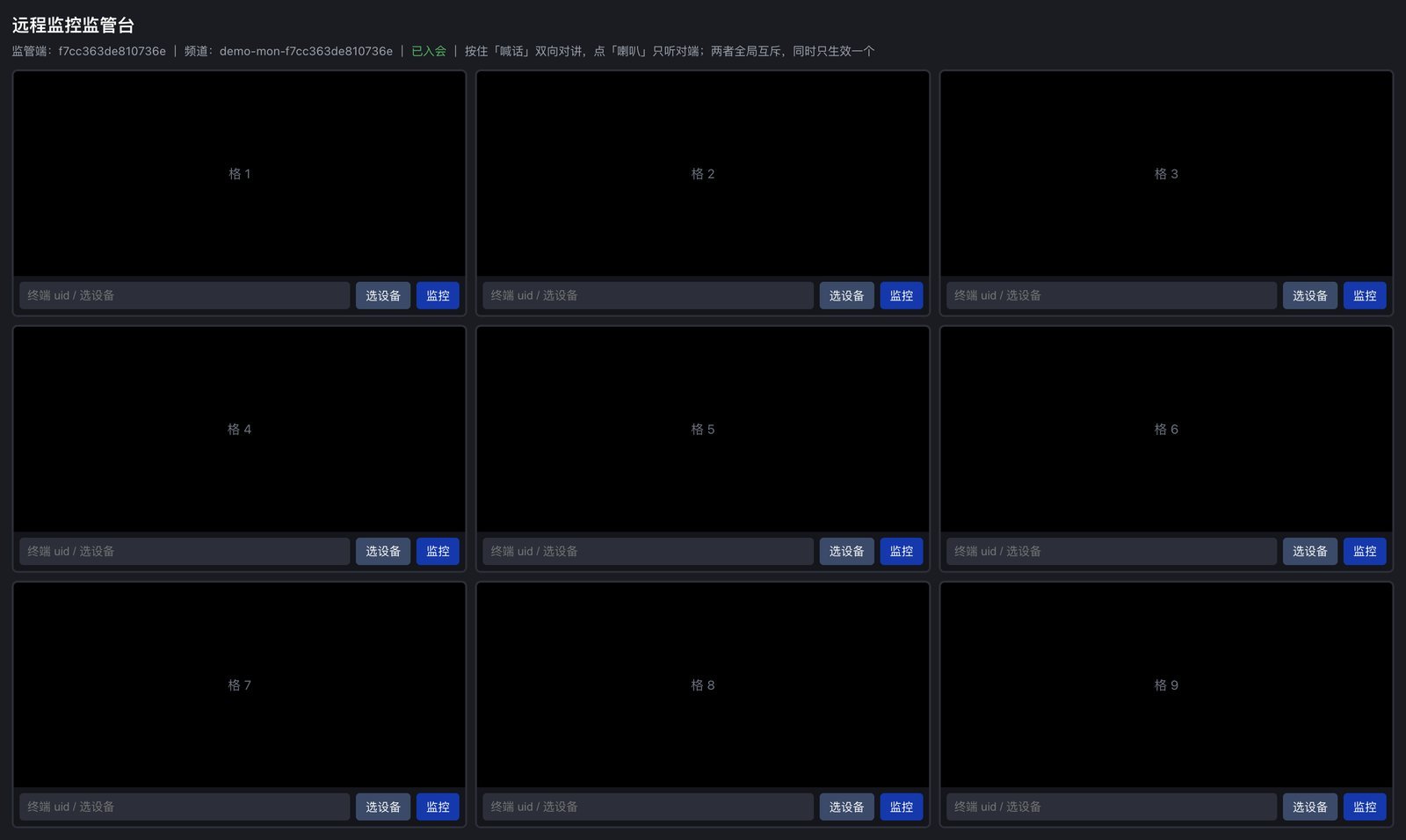
Shows the underlying capabilities of the SRTC audio and video SDK, suited to evaluating call quality and various real-time scenarios.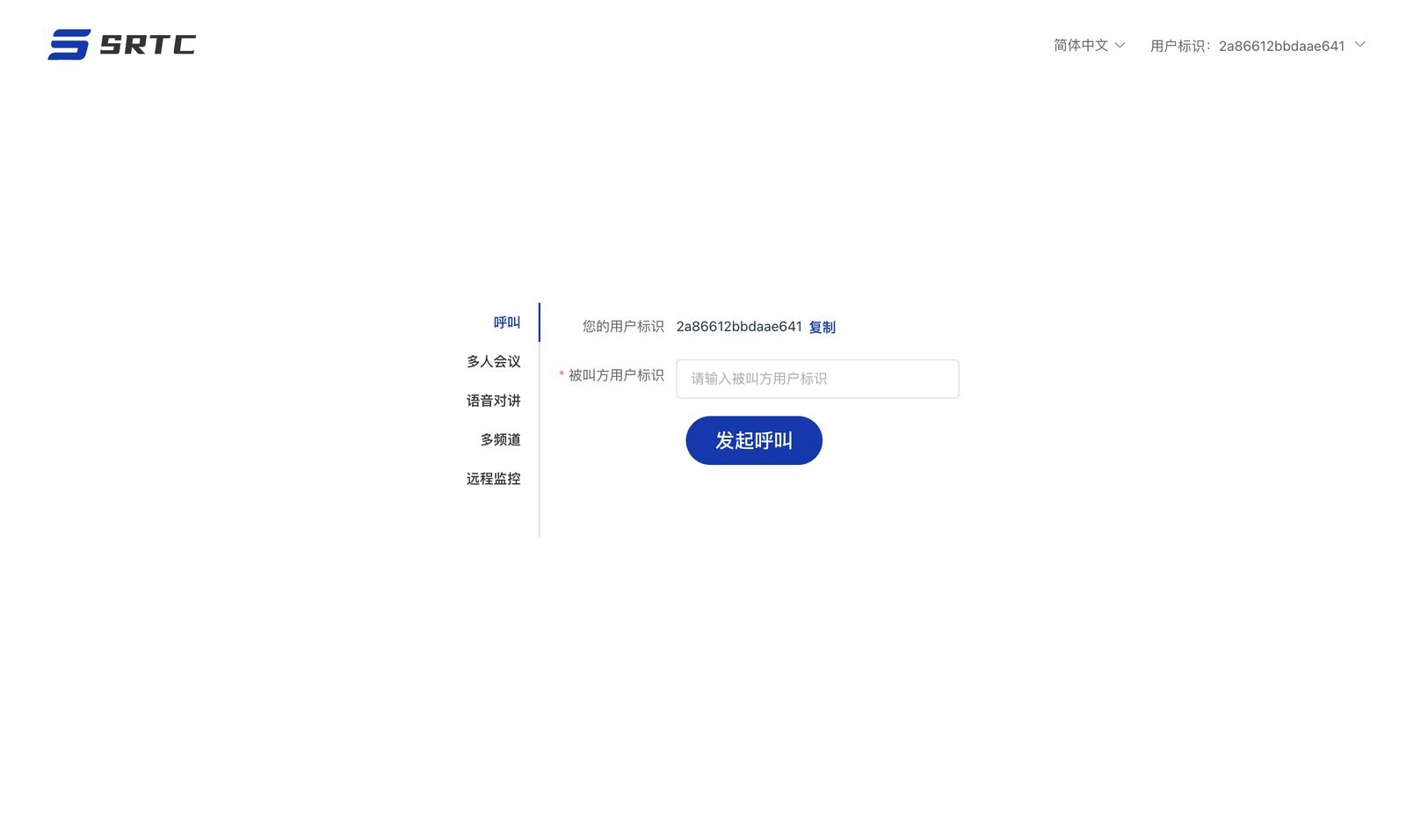
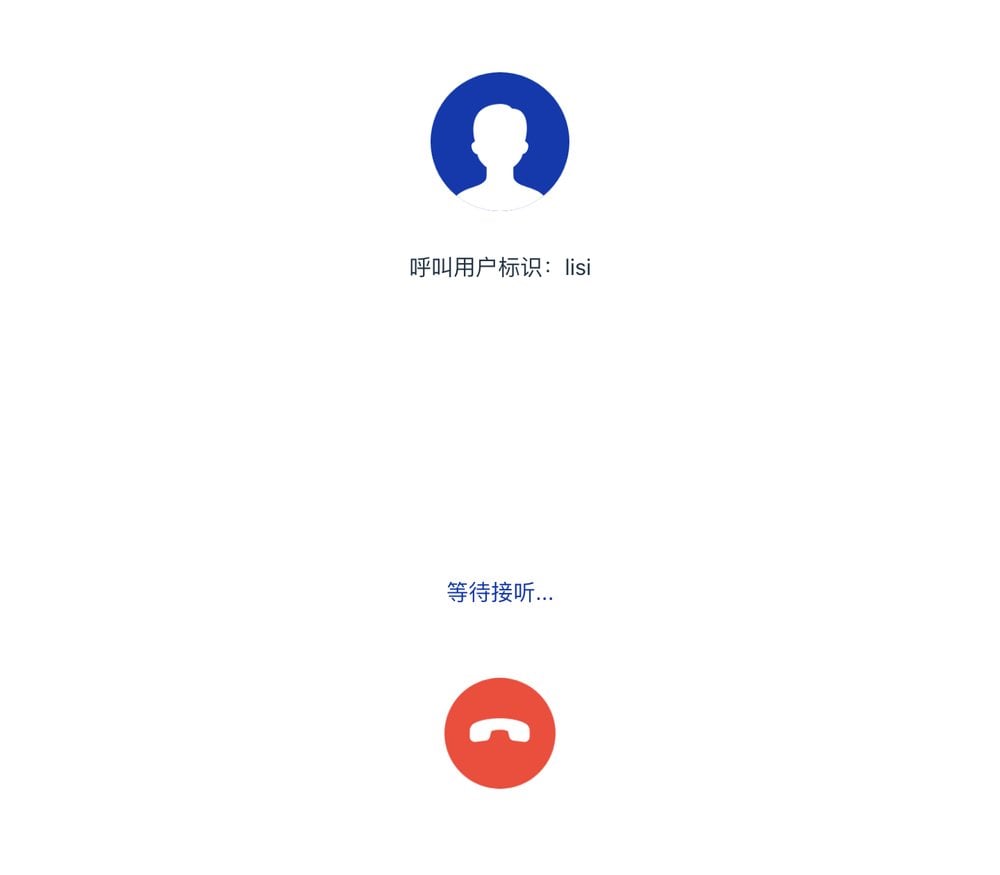
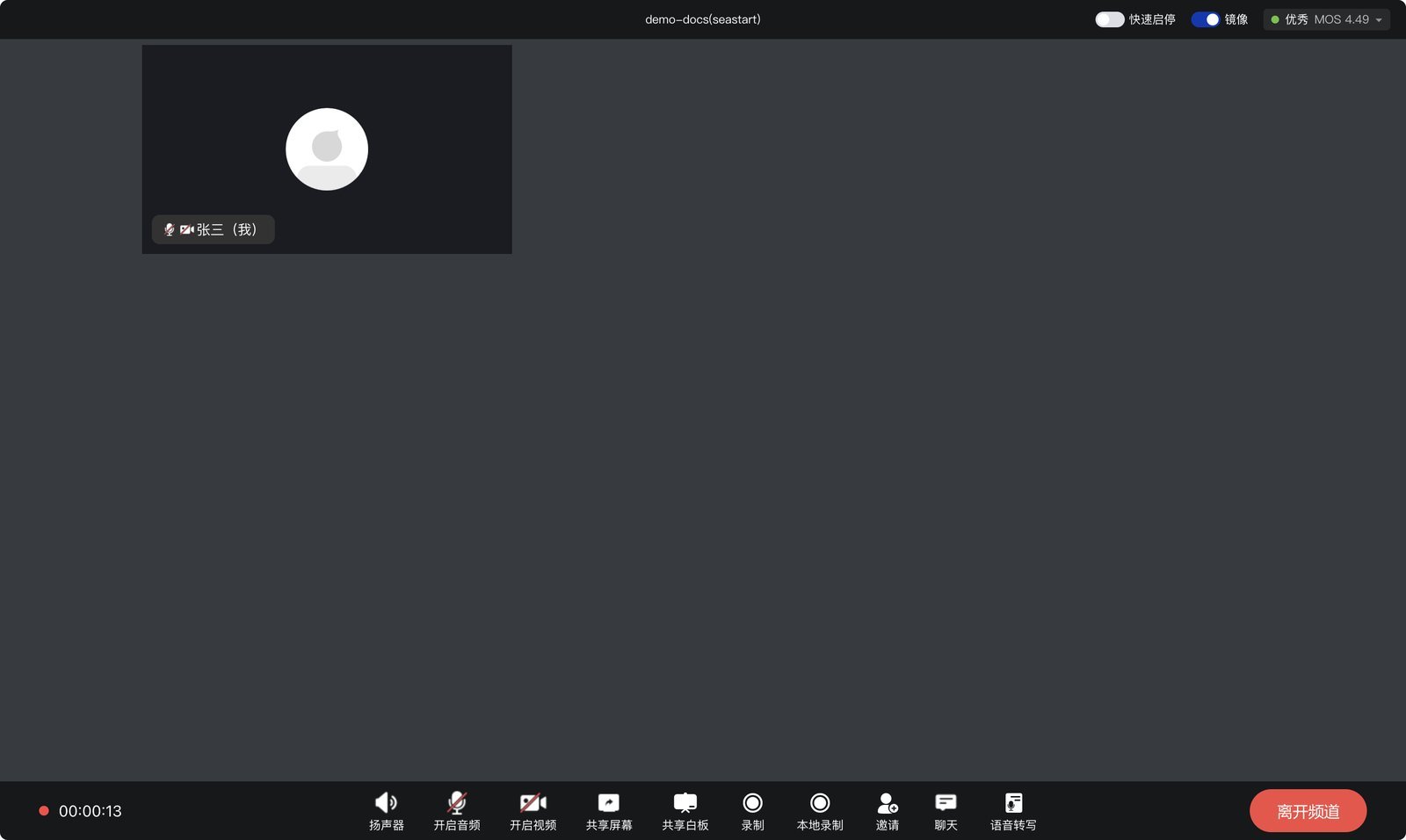
Call: enter the other user’s identifier to call; once they answer, you’re in a one-to-one call.
Tips
- Use two devices (or two browsers) to join the same meeting / channel so you can see them interact
- We recommend the latest Chrome or Edge; allow camera and microphone access the first time
- To try meeting-room endpoint and surveillance camera integration, contact us to arrange a device demo