

Integration options
The UI library is integrated mainly by importing its source code. You can integrate it as a whole, or by module/component. GitHub source code: https://github.com/seastart/meeting-andriod-demoWhole integration
- Add the Maven repository to the
build.gradlein the root directory
- Import the
StmLinklibrary - Add the dependency to the
build.gradlein theappdirectory
Module/component integration
- Add the Maven repository to the
build.gradlein the root directory
- Add the dependency to the
build.gradlein theappdirectory
- Copy the modules or components you need from the
StmLinklibrary into your project
Whole integration
- Create a new project and import the
StmLinklibrary as described in Whole integration - Create
MyApplicationand implement the following code in it
- In
MainActivity, navigate to a screen in theStmLinklibrary
- Implement the activity lifecycle listener. The
LifecycleListenerclass comes fromStmLink
Module/component integration
Project structure
Modules: base module, login module, out-of-meeting info module, meeting entry module, and in-meeting moduleBase module
The base module includes the SDK entry class, the network request package, the custom UI package, and the utilities package.Import
Copy theMeetingEngineHelper file and the http, ui, and utils folders under the cn.seastart.stmlink path into your project directory, and they are ready to use.
Usage
Using the SDK entry file
Using the network request module
Using the custom UI package
It contains the custom components used in the project, which you can use by referencing them in XML layout filesUsing the utilities package
It contains the utility classes used in the project, mostly static methods or singletons.Login and registration module
The login and registration module mainly includes the login page, the registration page, and the member profile editing page This is an important module: without login, none of the subsequent operations can run correctly. This module implements app login authorization, Meet authorization, SDK initialization, and IM initialization. After app login authorization completes, you get an app-layer user token. Every app-layer network request must include this token in its request headersImport
- Copy the
authorizefolder under thecn.seastart.stmlinkpath into your project directory, and it is ready to use
Usage
Navigation
SdkLoginHelper
- This class implements login in one place. The main steps are: authorization -> SDK login -> IM login. It depends on
MeetingEngineHelper(the SDK entry class wrapped at the app layer), soMeetingEngineHelpermust be initialized first - When an app authorization token already exists and the SDK needs to log in automatically, you can use this class to log in from any screen
Screenshots
| Login page | Registration page | Profile editing page |
|---|---|---|
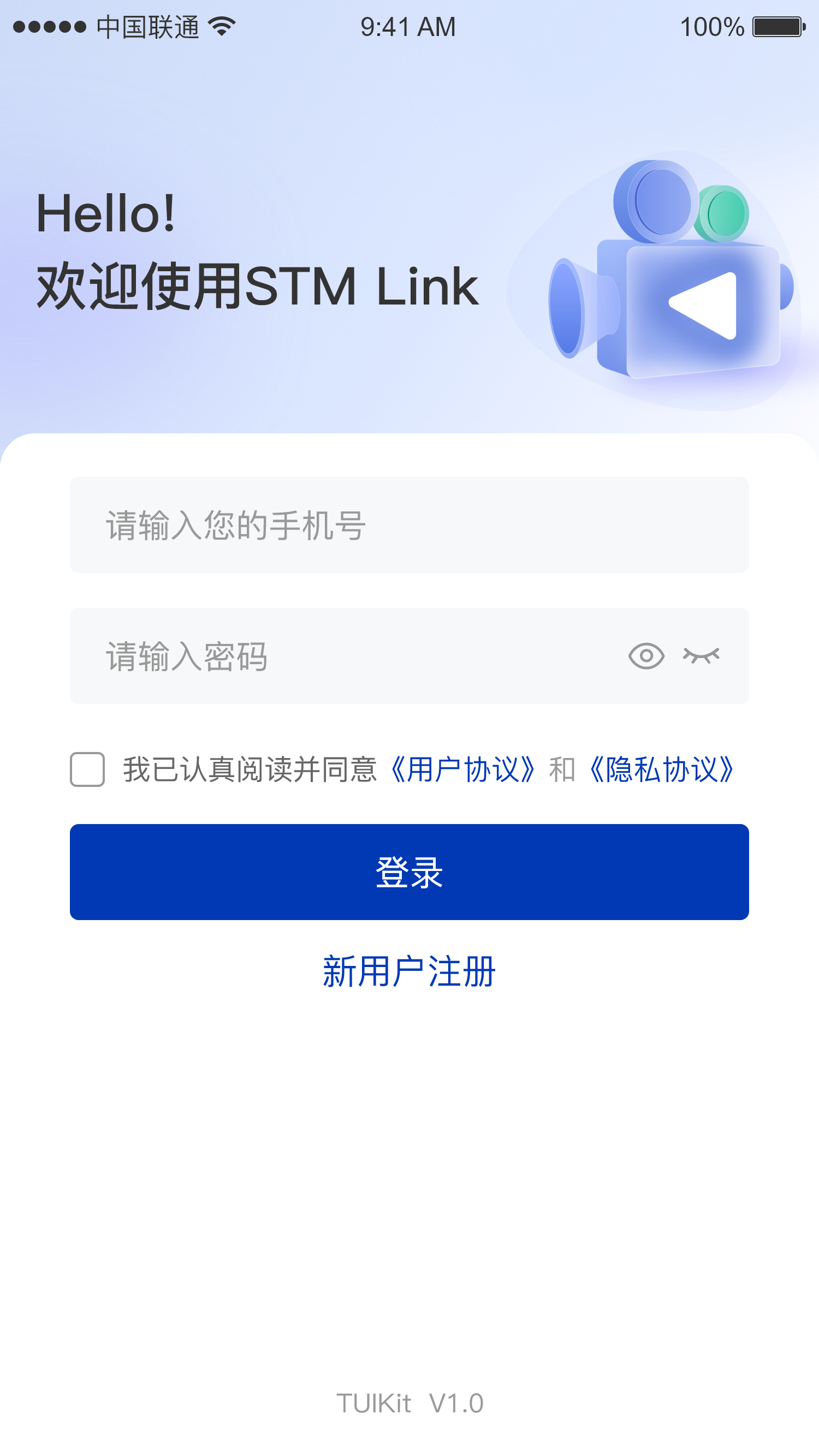 | 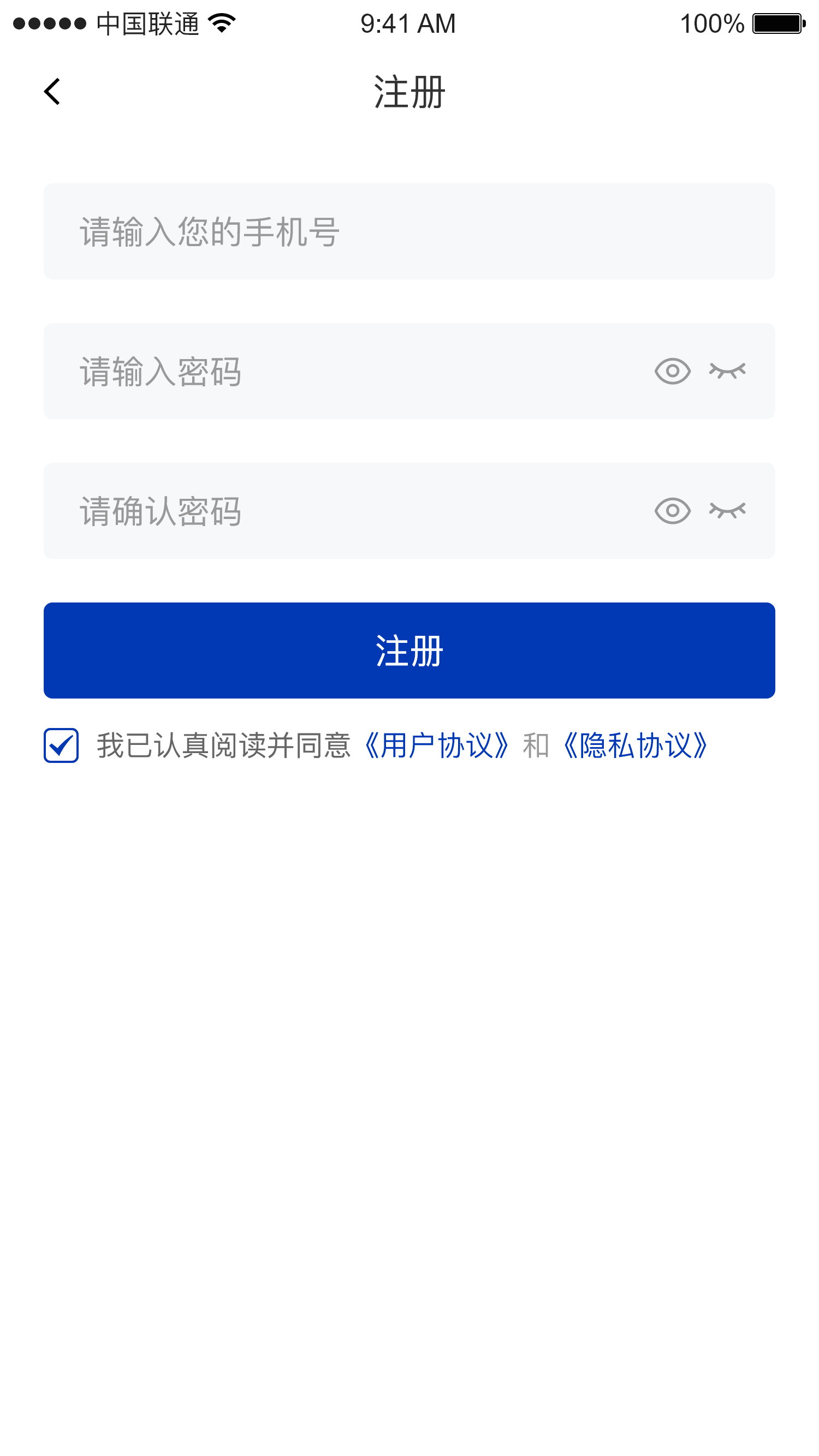 | 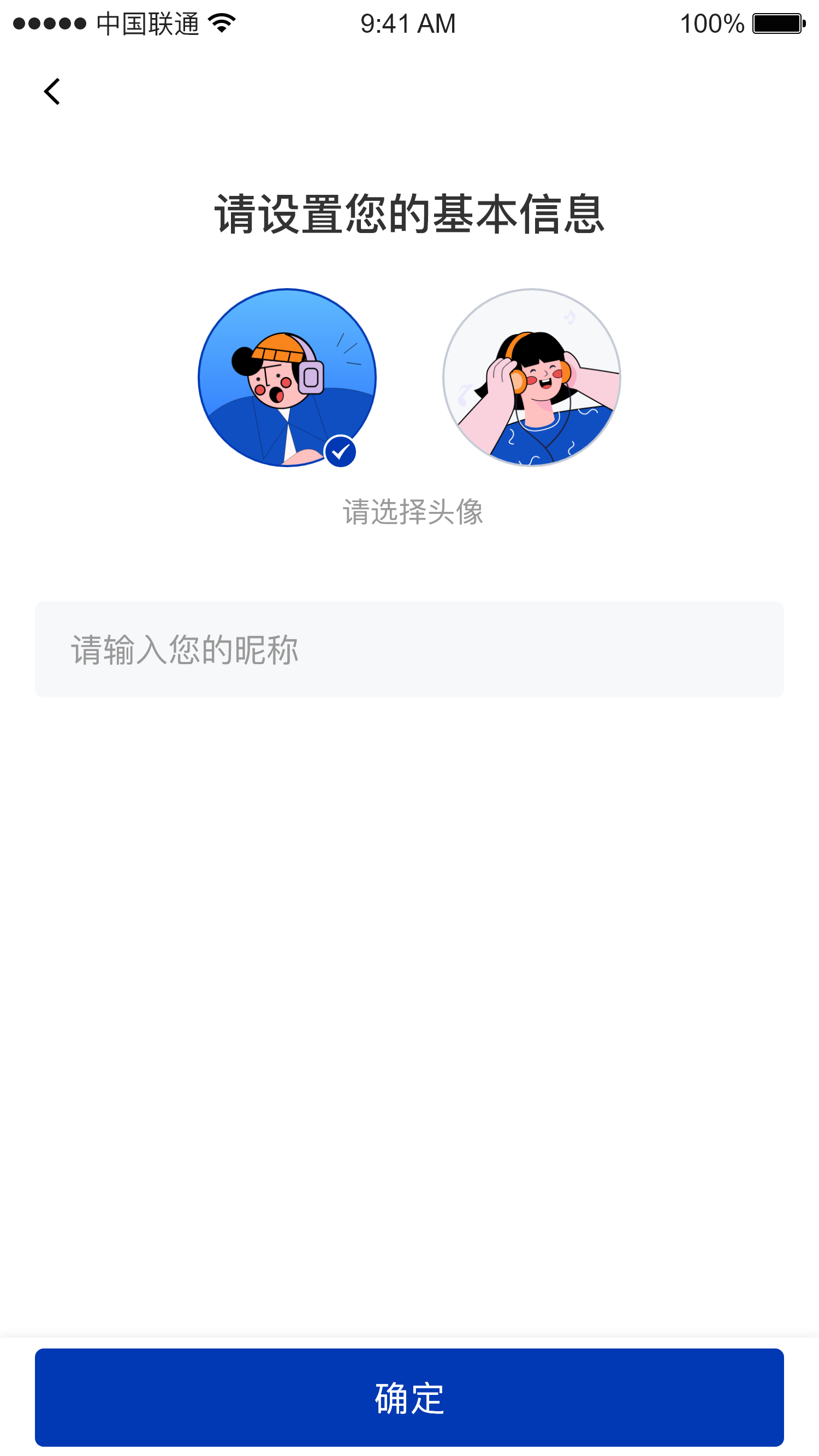 |
Out-of-meeting info module
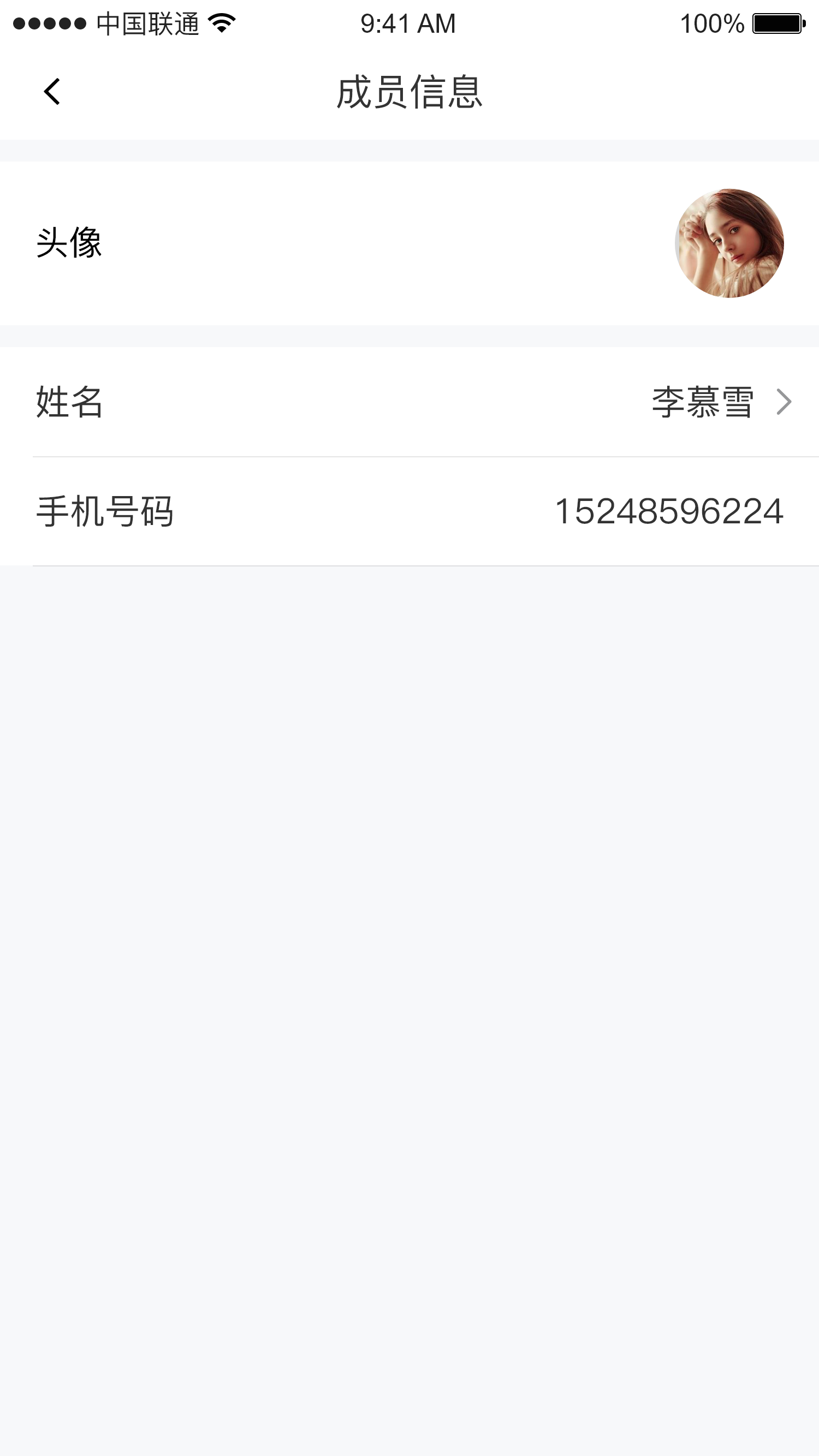
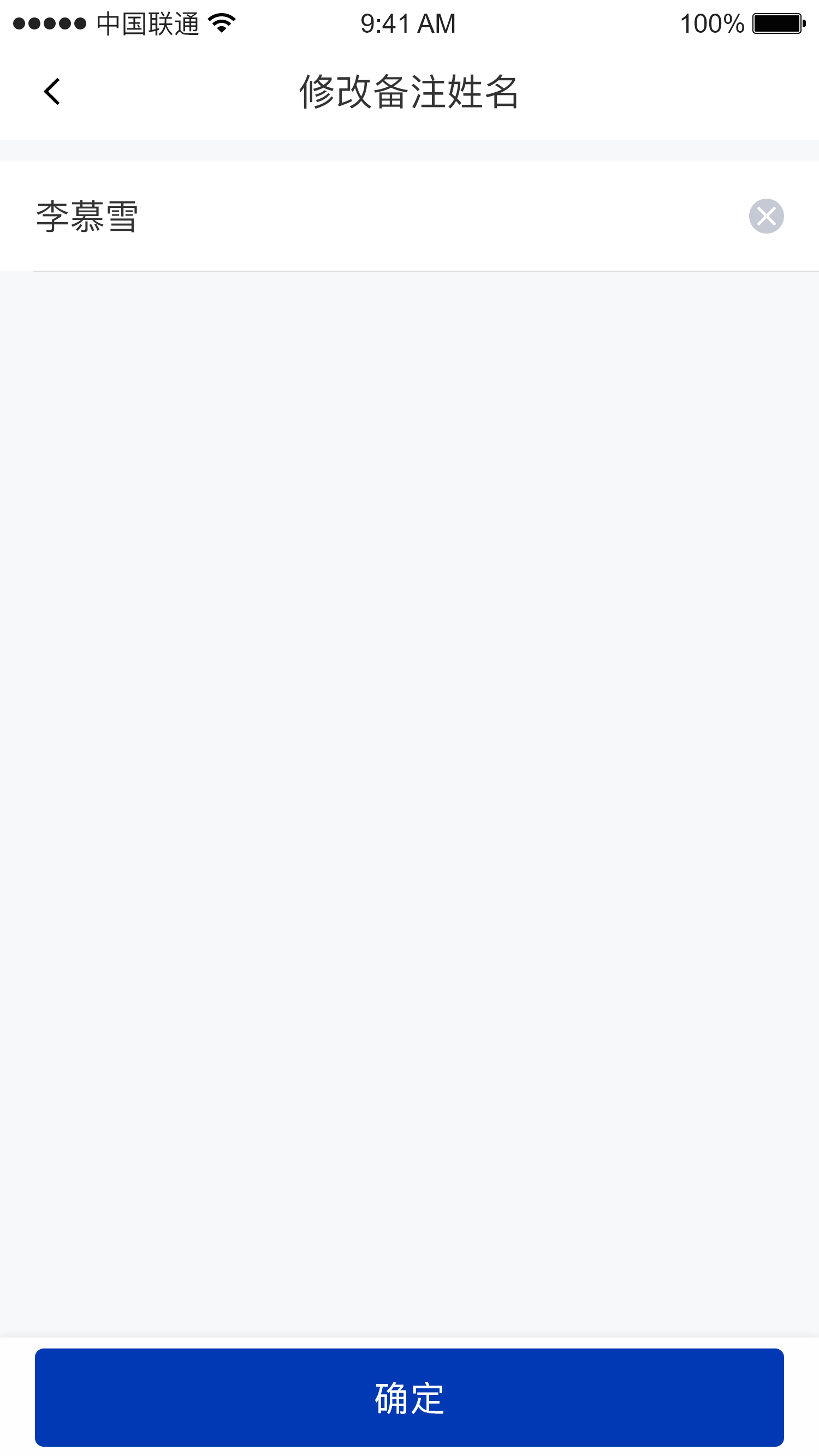
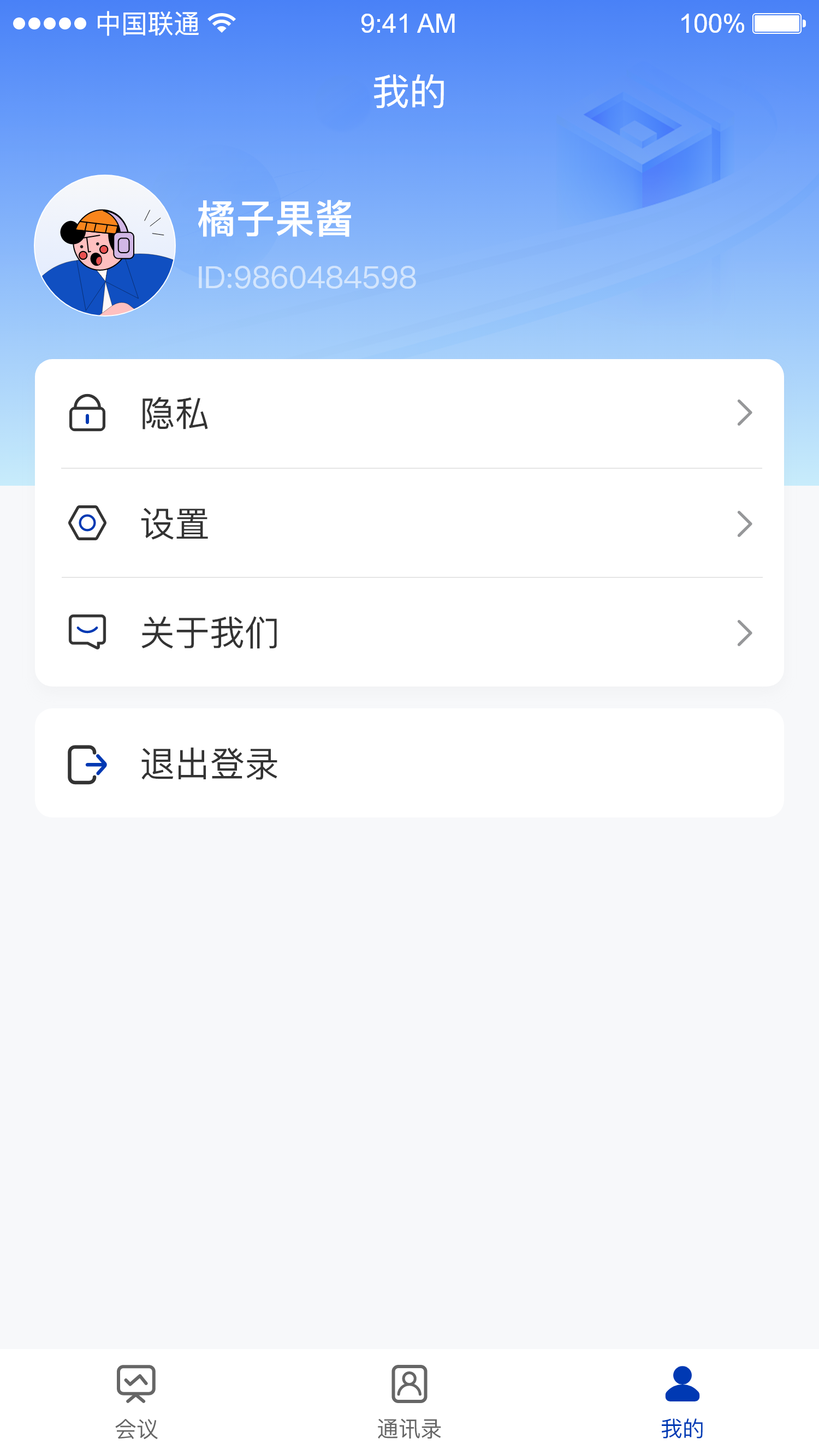
The out-of-meeting info module mainly includes the upcoming meetings page, the meeting history page, the meeting details page, the contact list page, the contact details page, and the “Me” pageImport
- Copy the
Home,history,meetDetail, andcontactDetailpackages under thecn.seastart.stmlinkpath into your project, and they are ready to use
Usage
Screenshots
| Upcoming meetings page | Meeting history page |
|---|---|
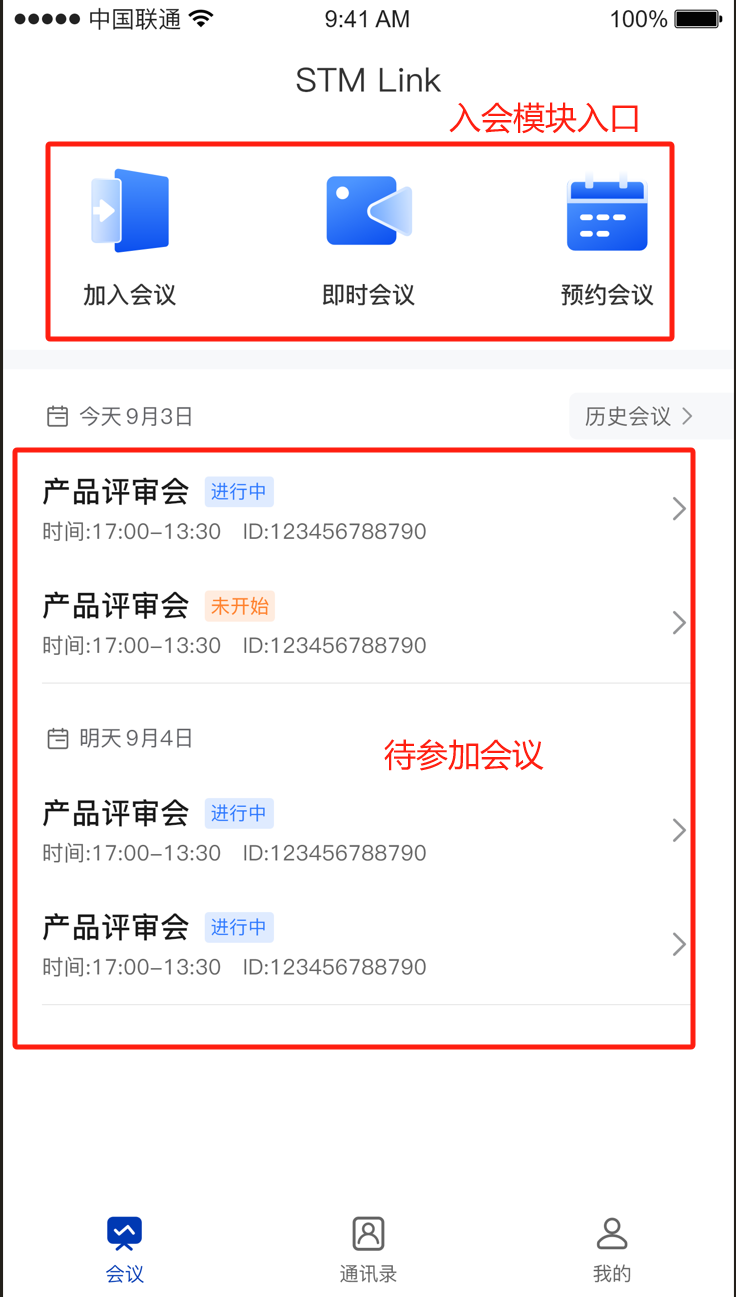 | 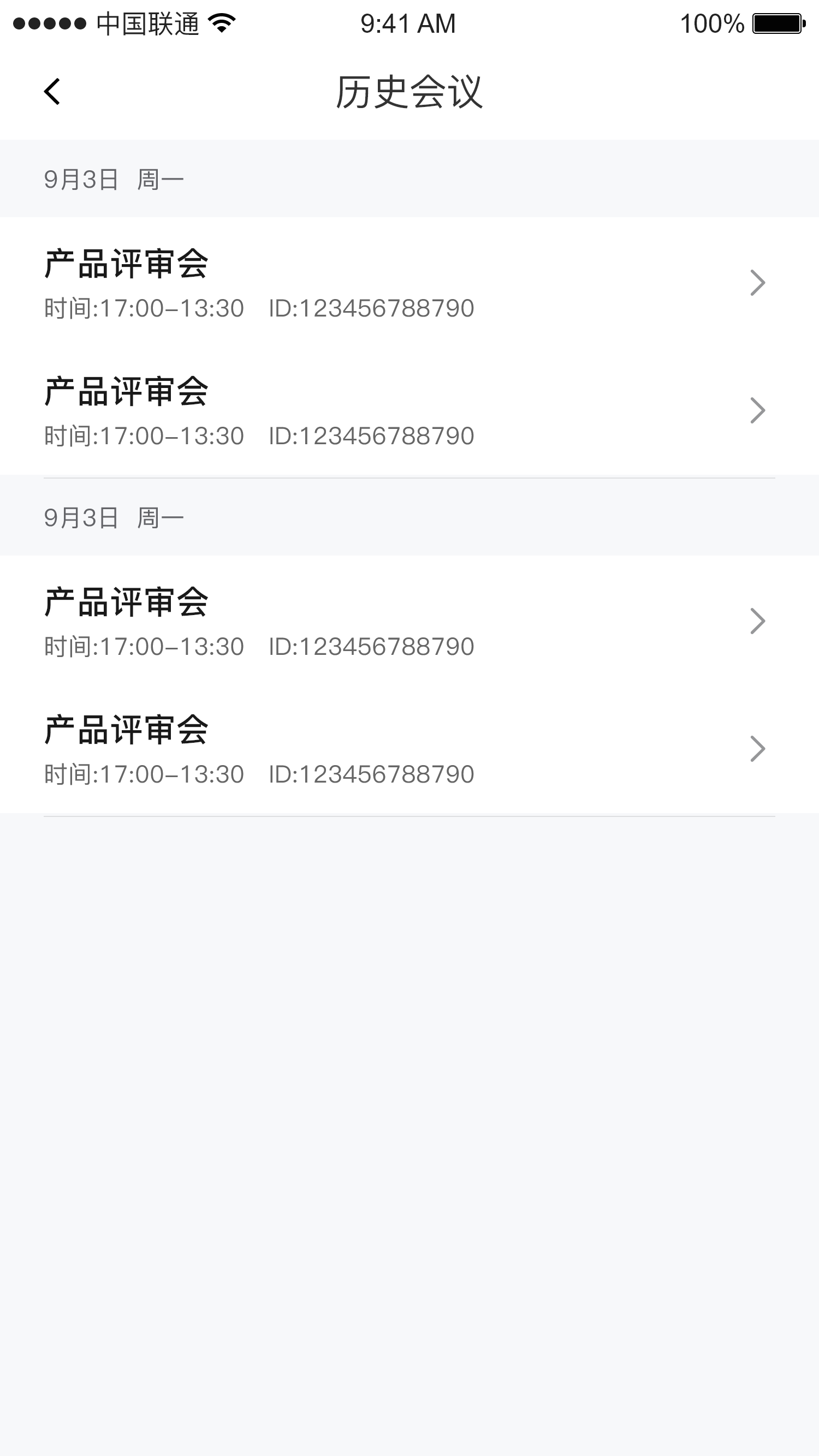 |
| Meeting details page | Meeting details page |
|---|---|
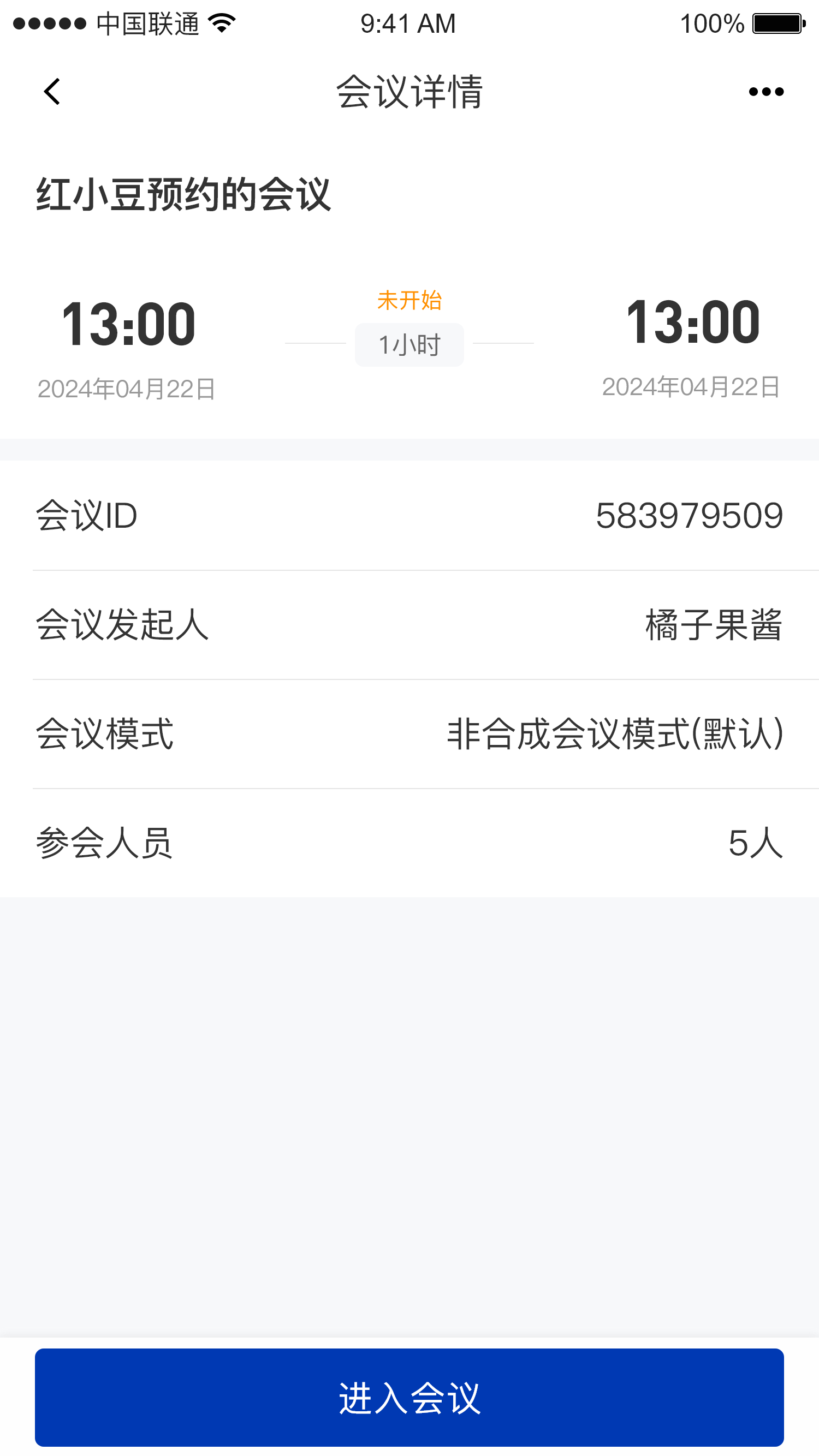 | 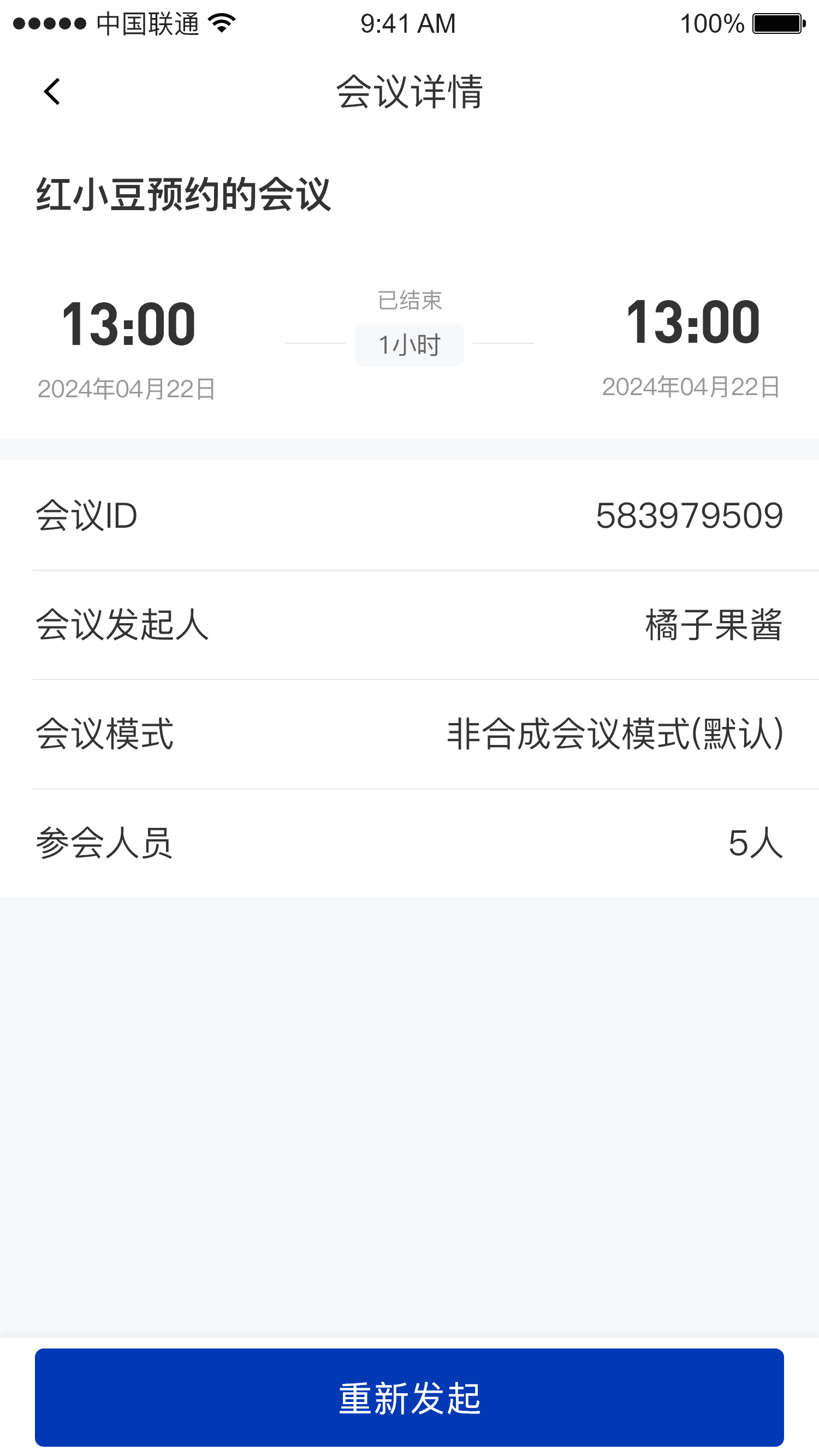 |
| Contacts page | Contact details page | Contact editing page |
|---|---|---|
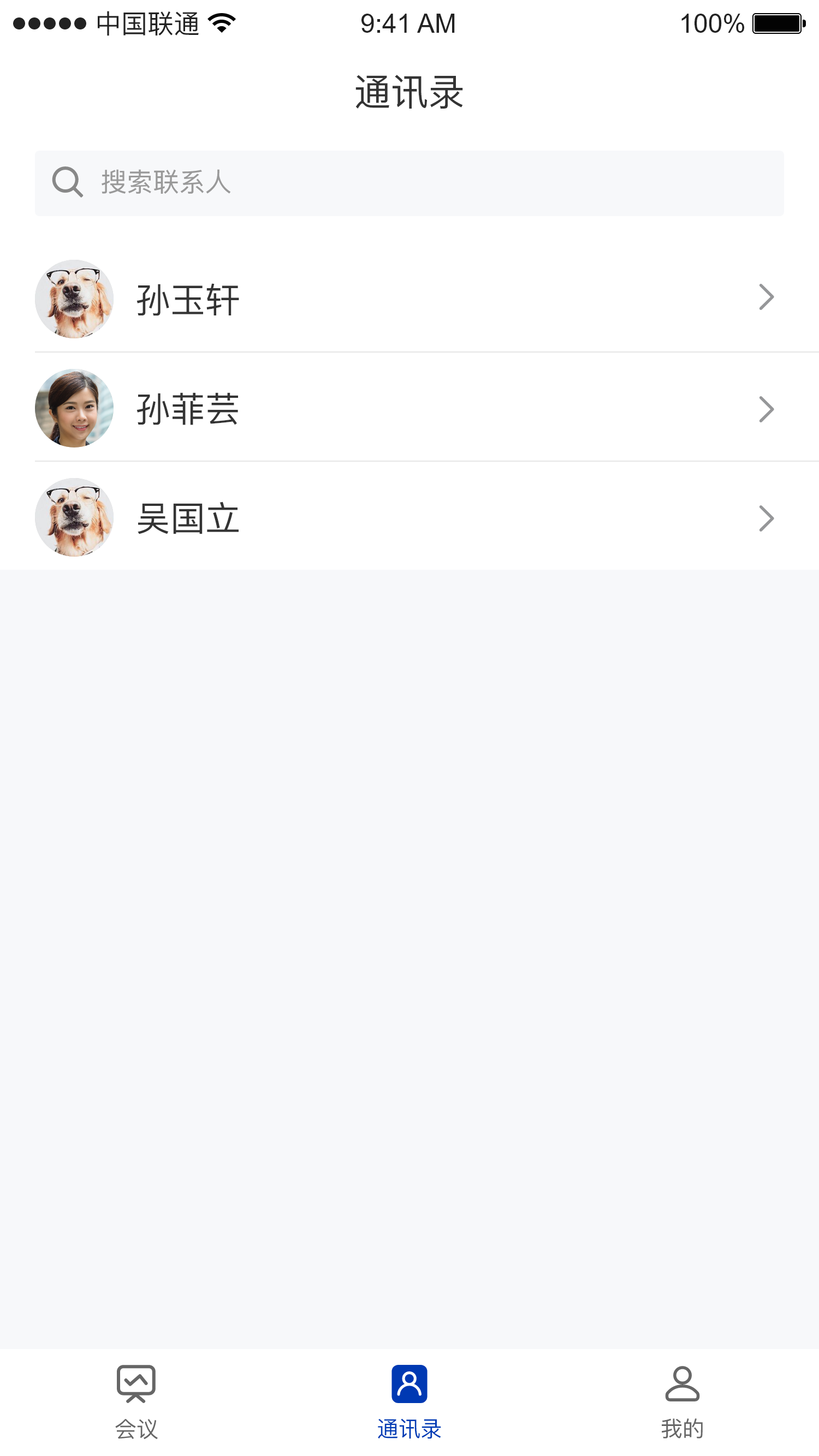 |  |  |
| ”Me” page |
|---|
 |
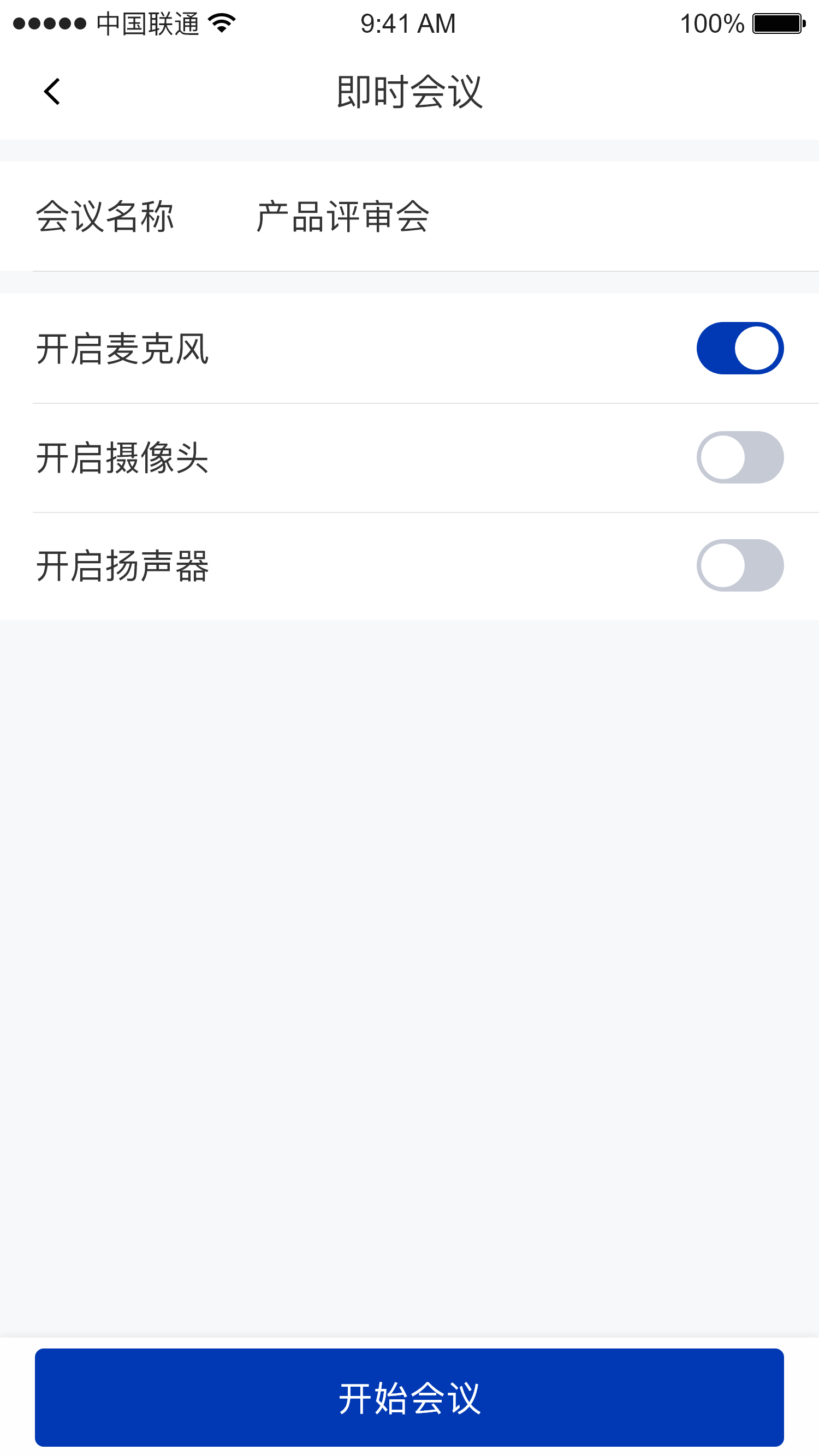
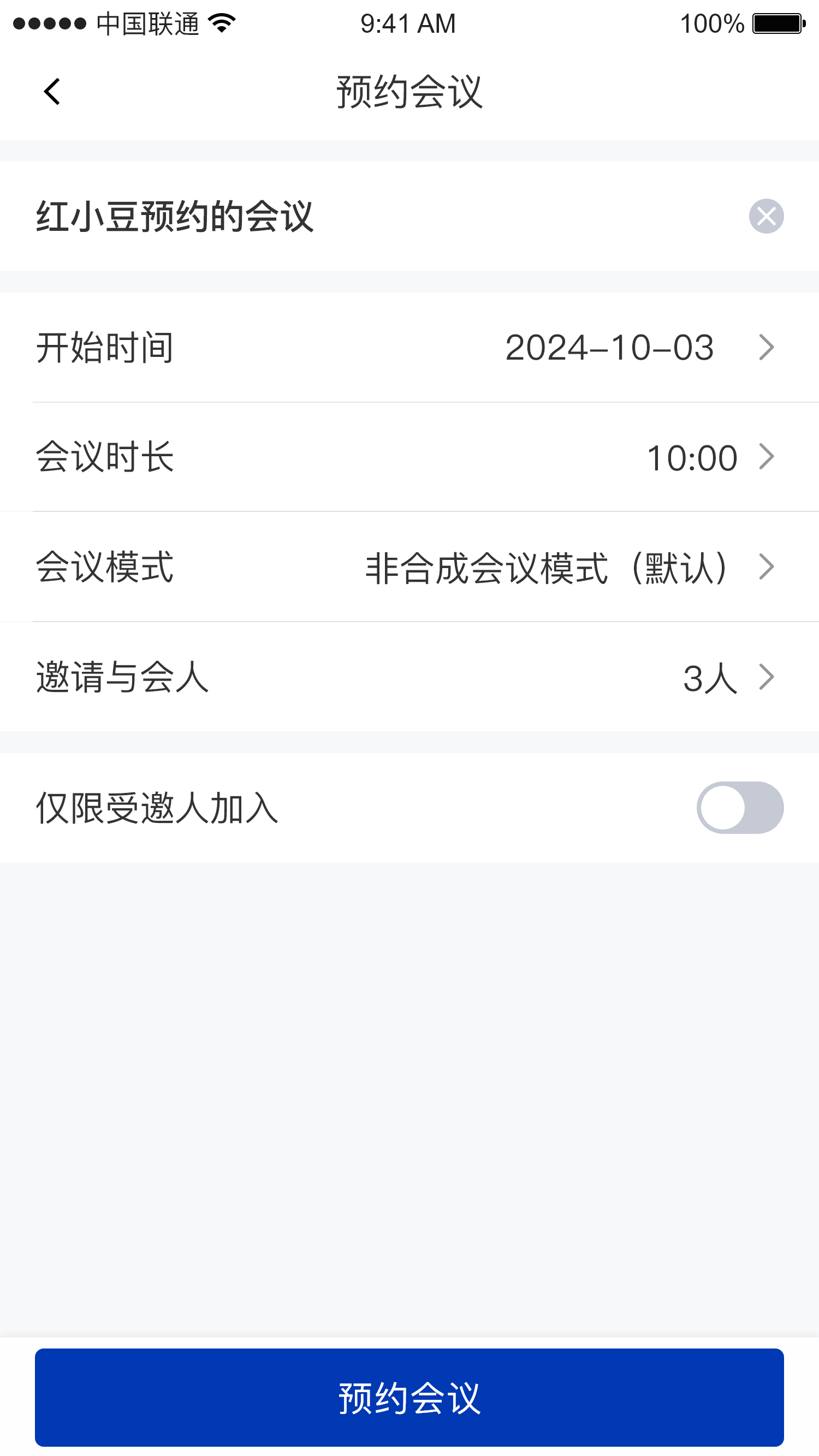
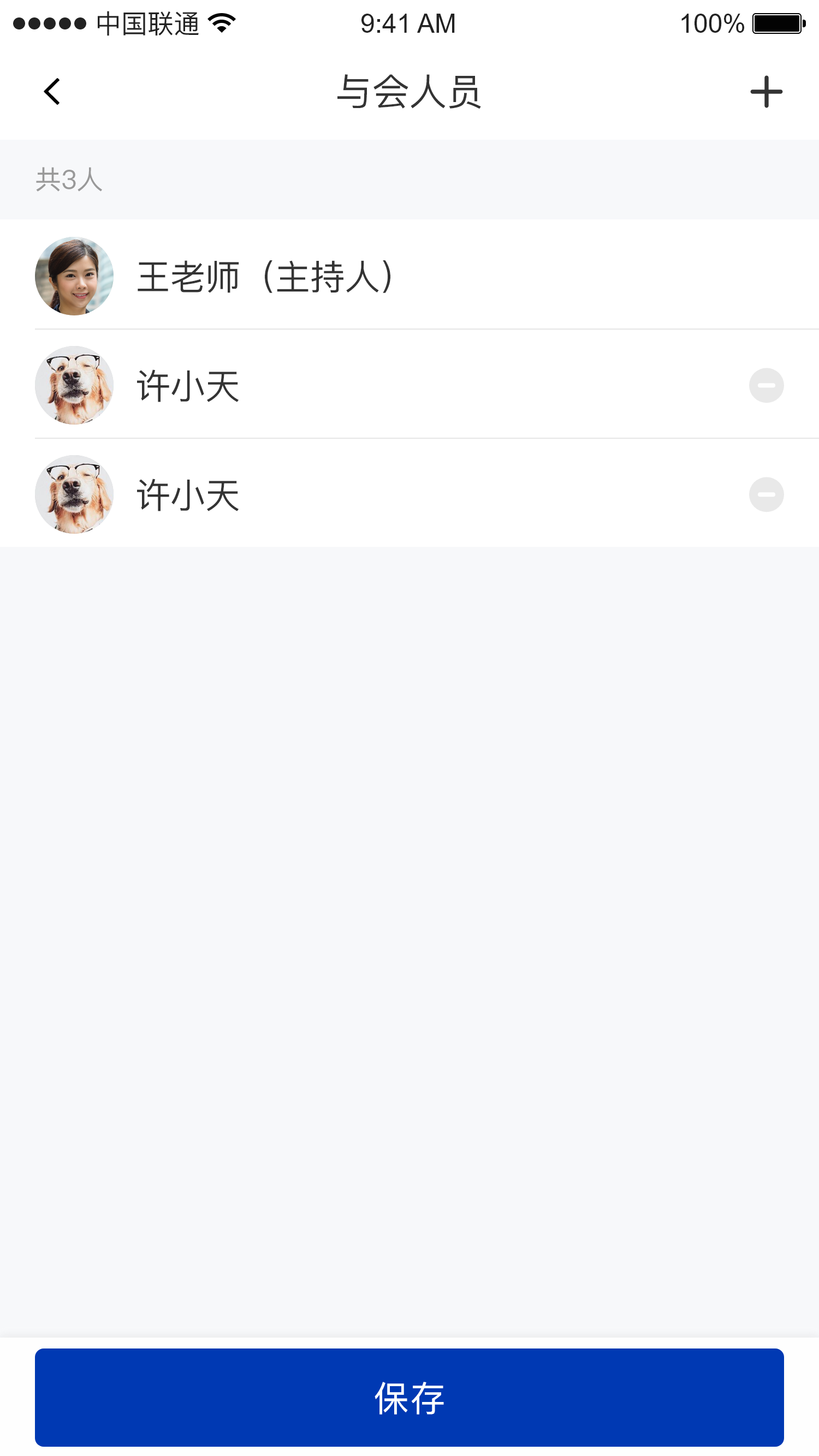
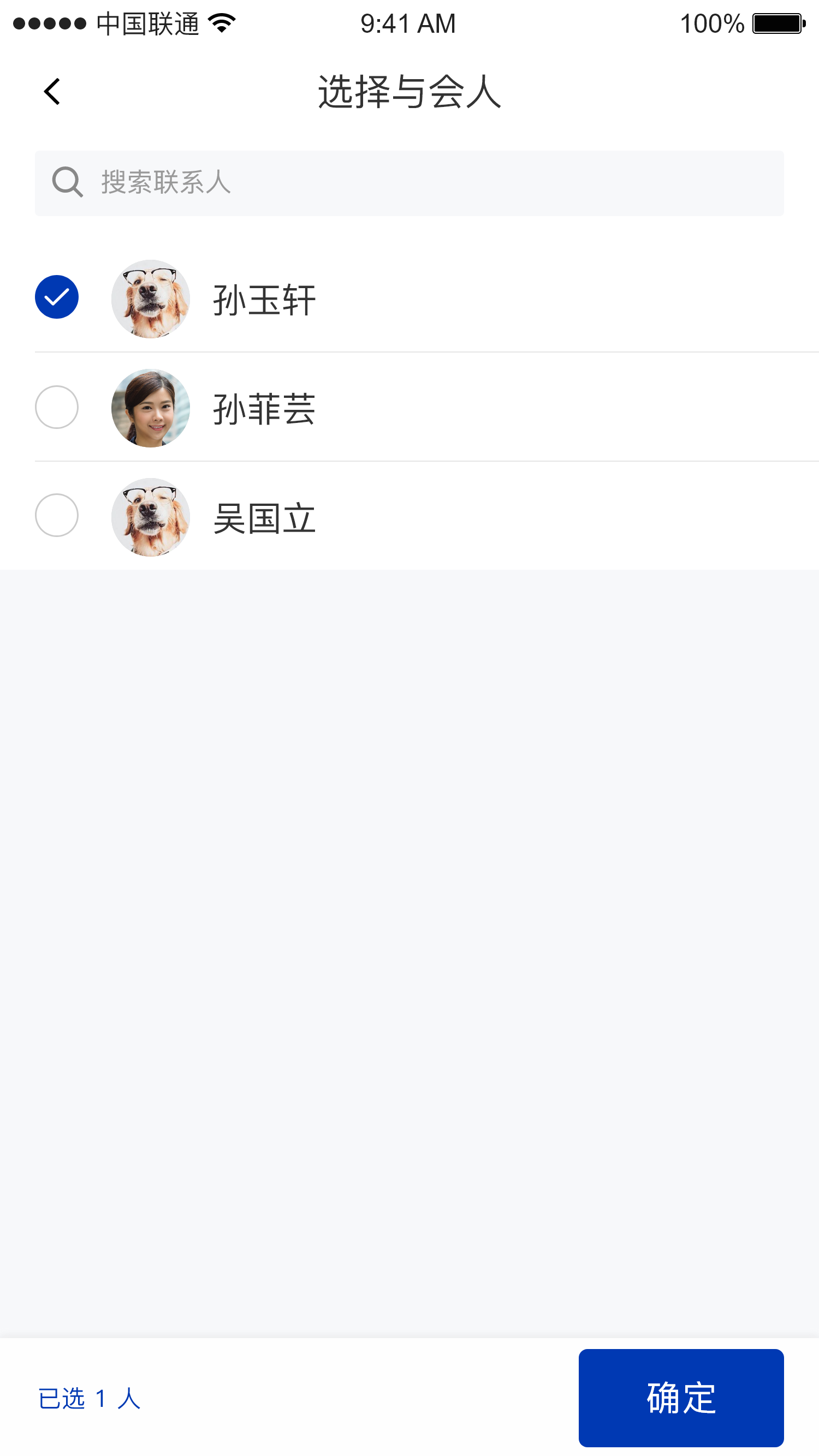
Meeting entry module
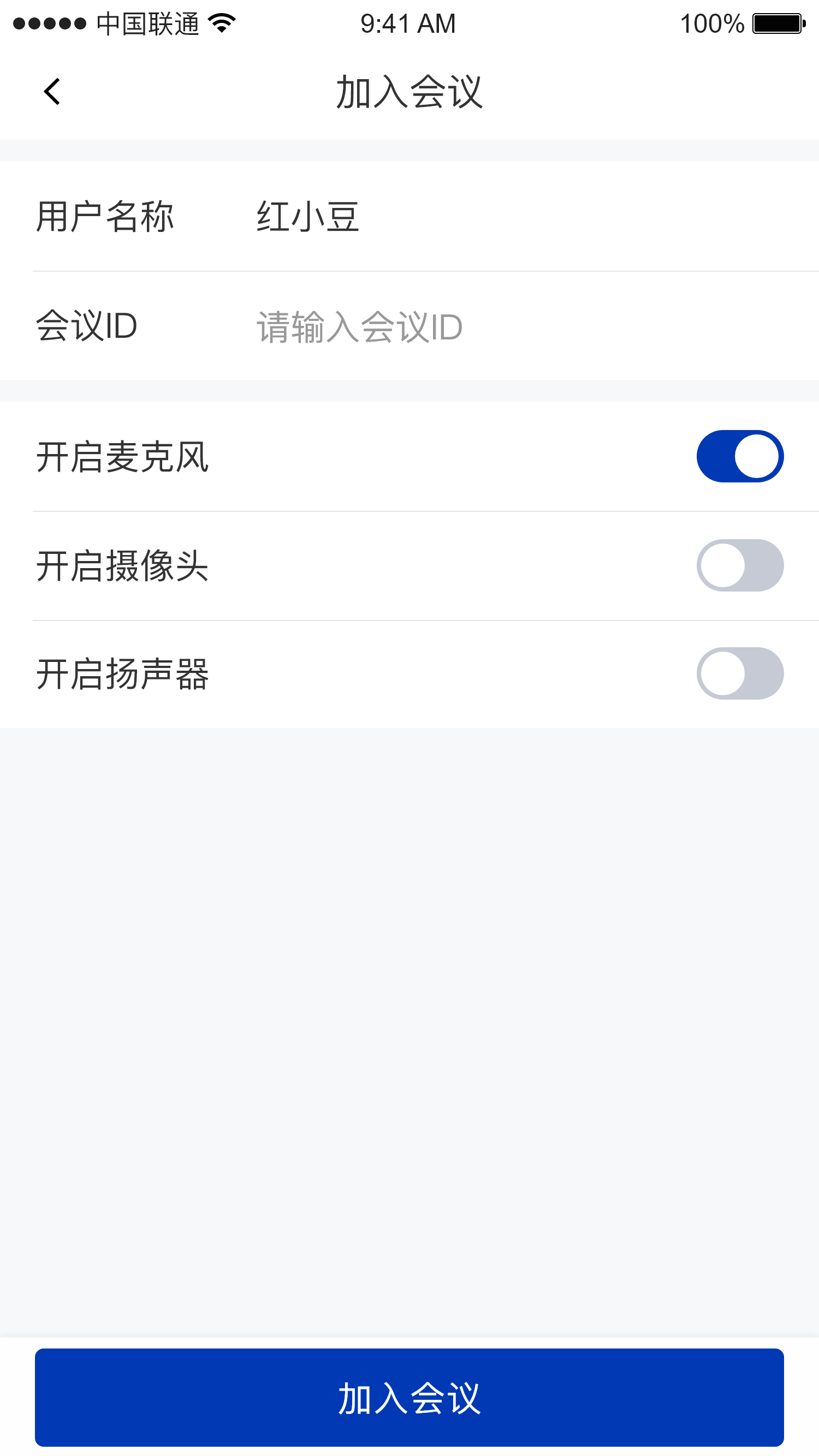
The meeting entry module mainly includes the enter meeting page, the create instant meeting page, the create scheduled meeting page, and the member invitation page The enter meeting and create instant meeting pages go to the in-meeting page by default; the create scheduled meeting page goes to the upcoming meetings page by defaultImport
- Copy the
preMeetingRoomandinviteMemberpackages under thecn.seastart.stmlinkpath into your project, and they are ready to use.
Usage
Screenshots
| Enter meeting page | Create instant meeting page | Create scheduled meeting page |
|---|---|---|
 |  |  |
| Invitees page | Add invitees page |
|---|---|
 |  |
In-meeting module
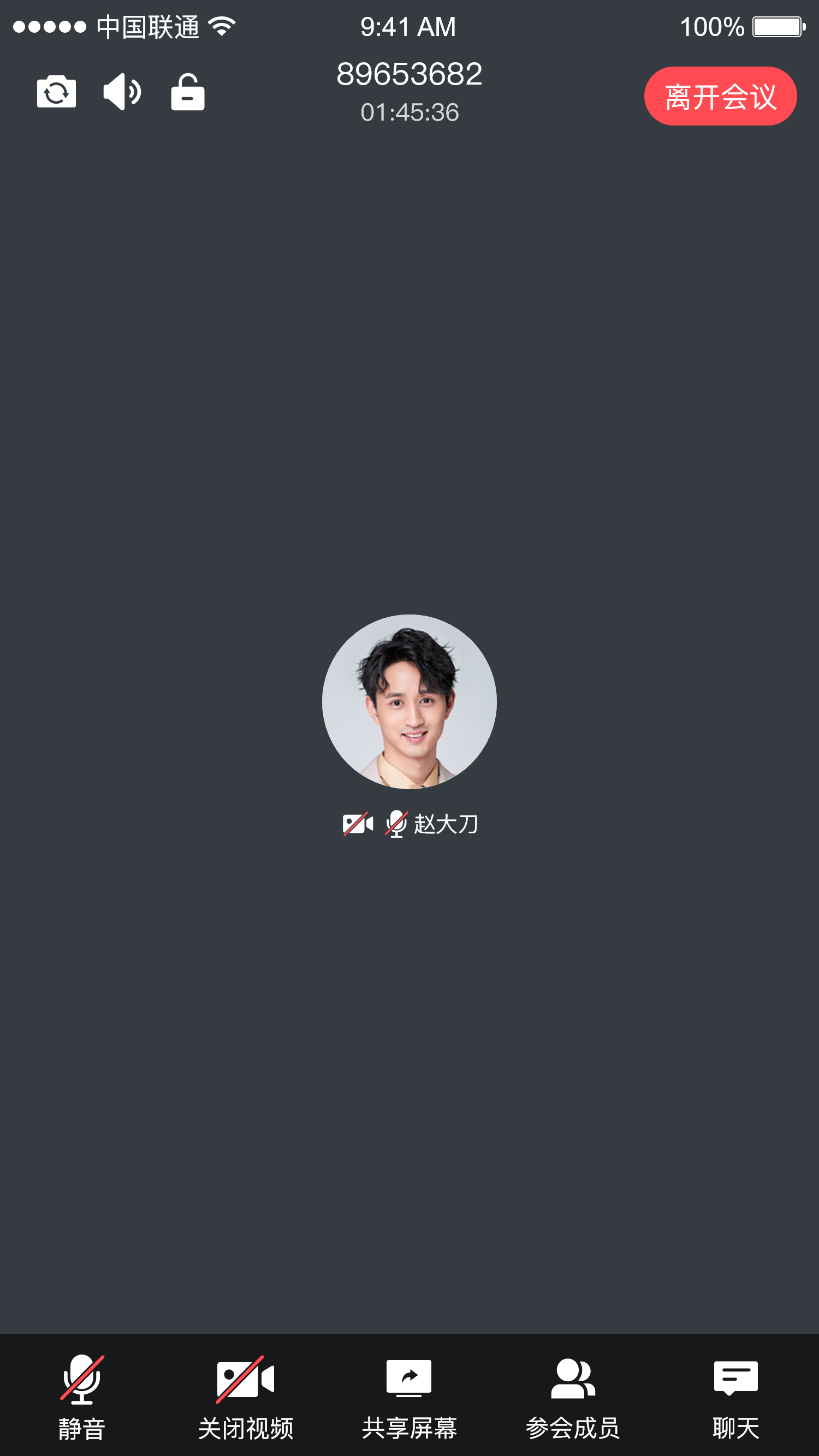
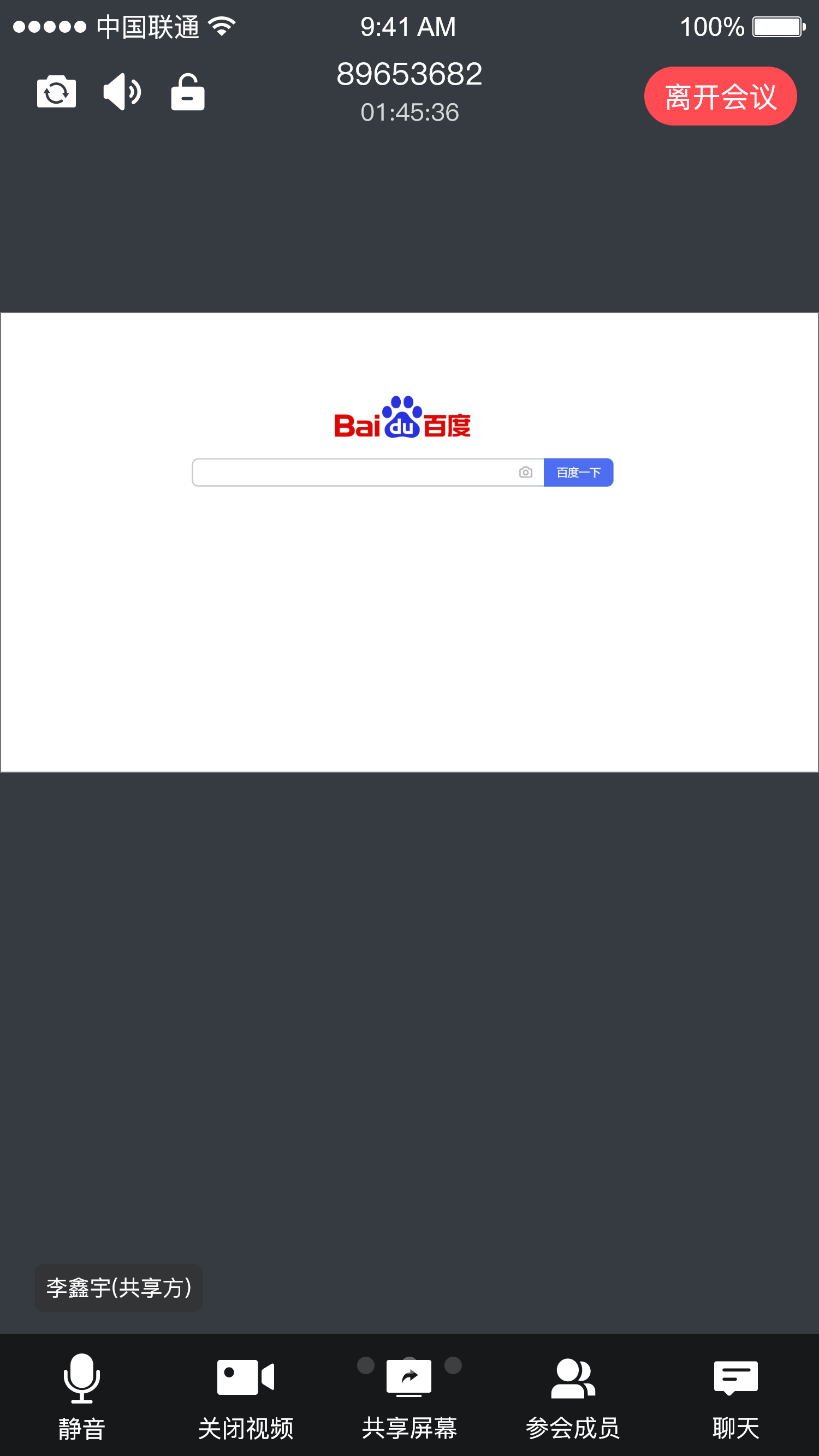
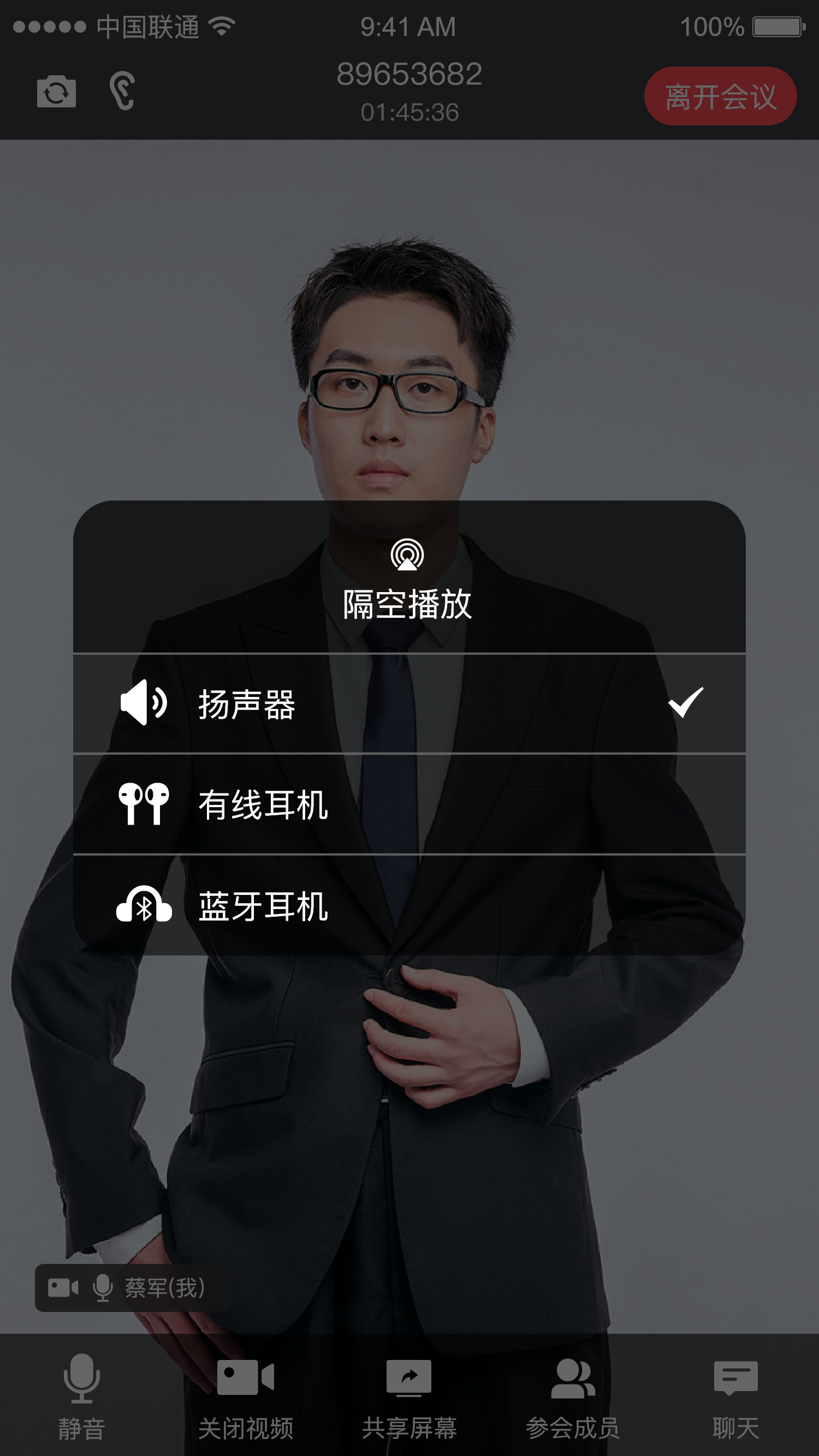
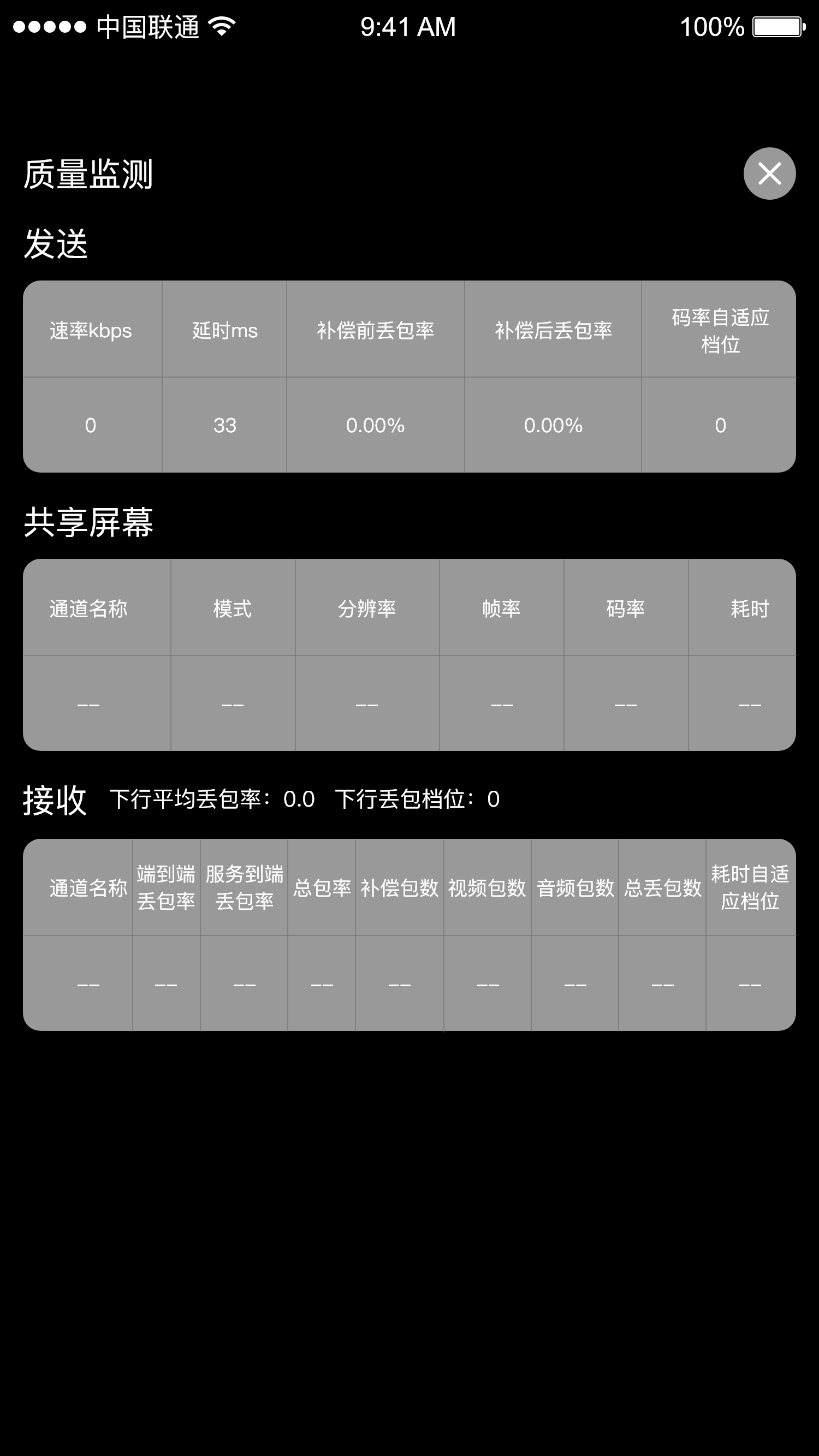
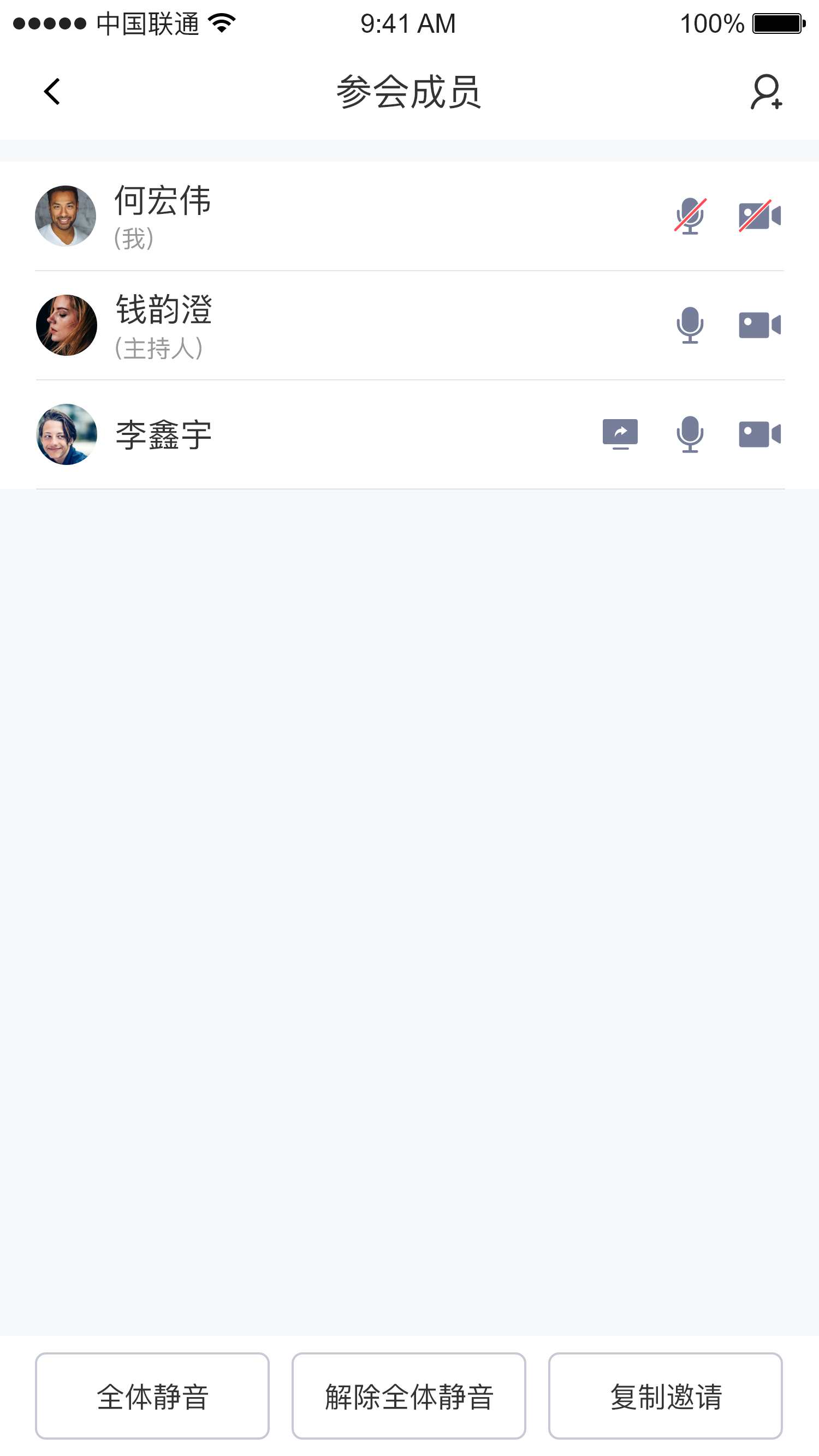
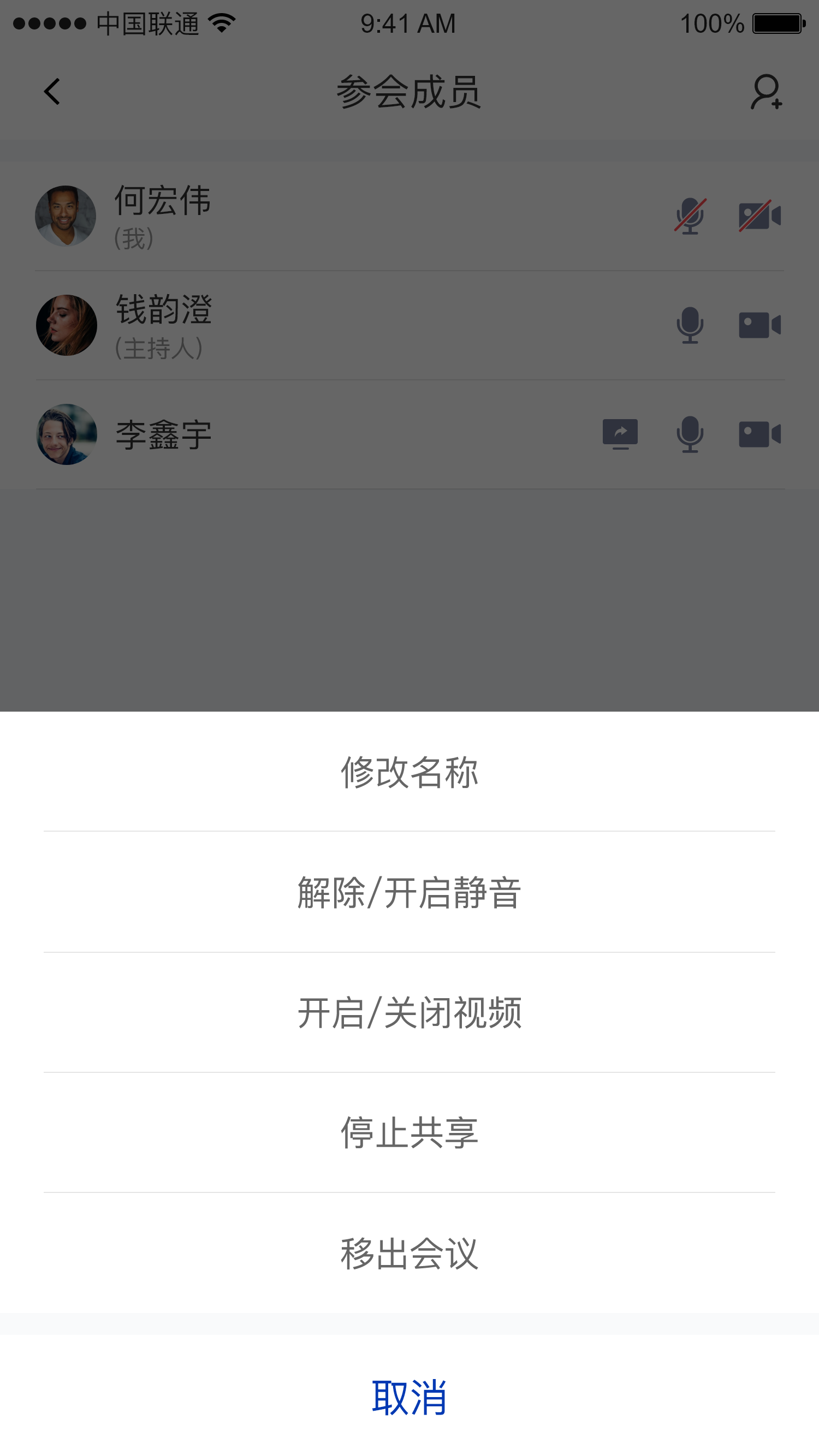
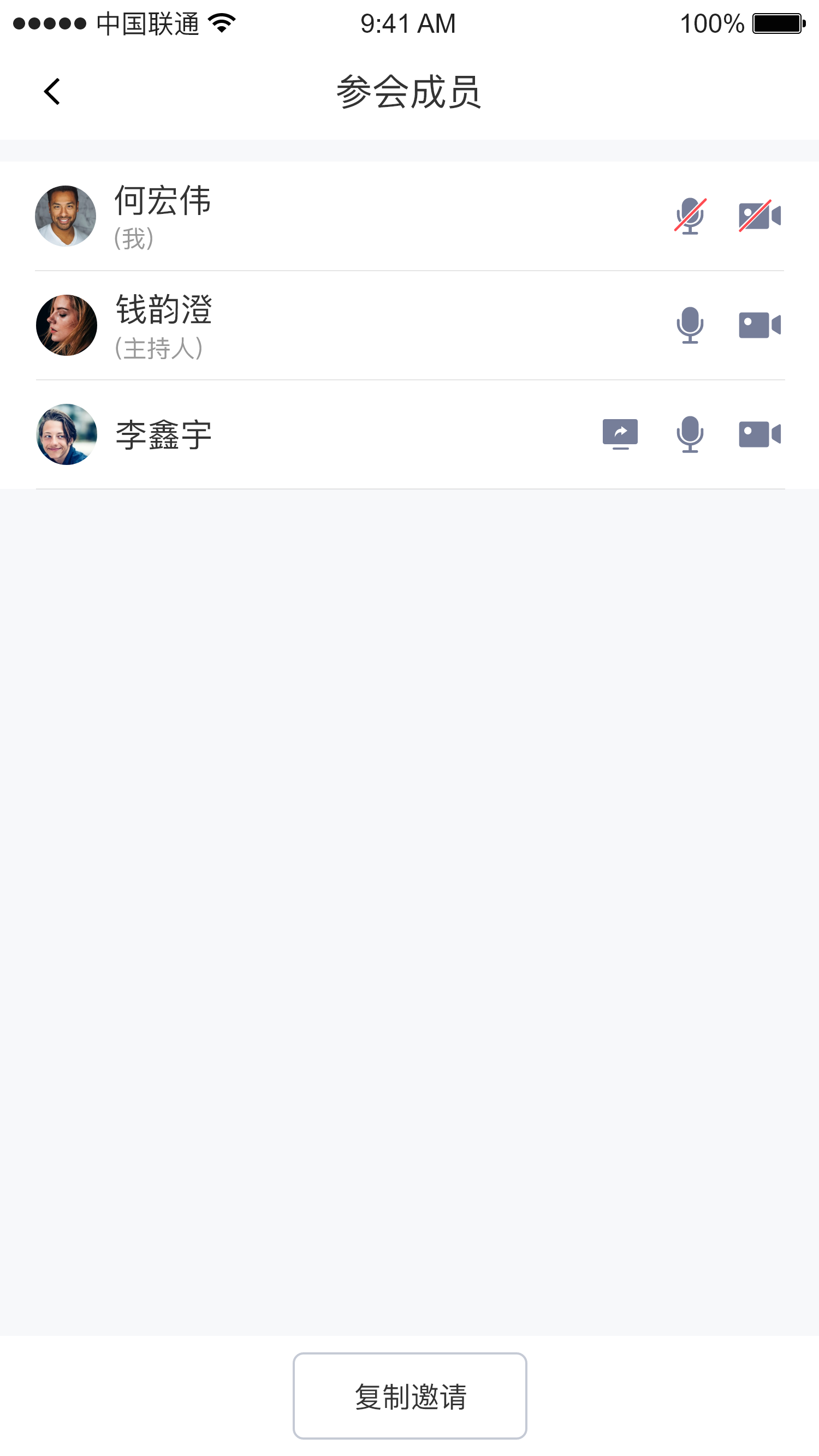
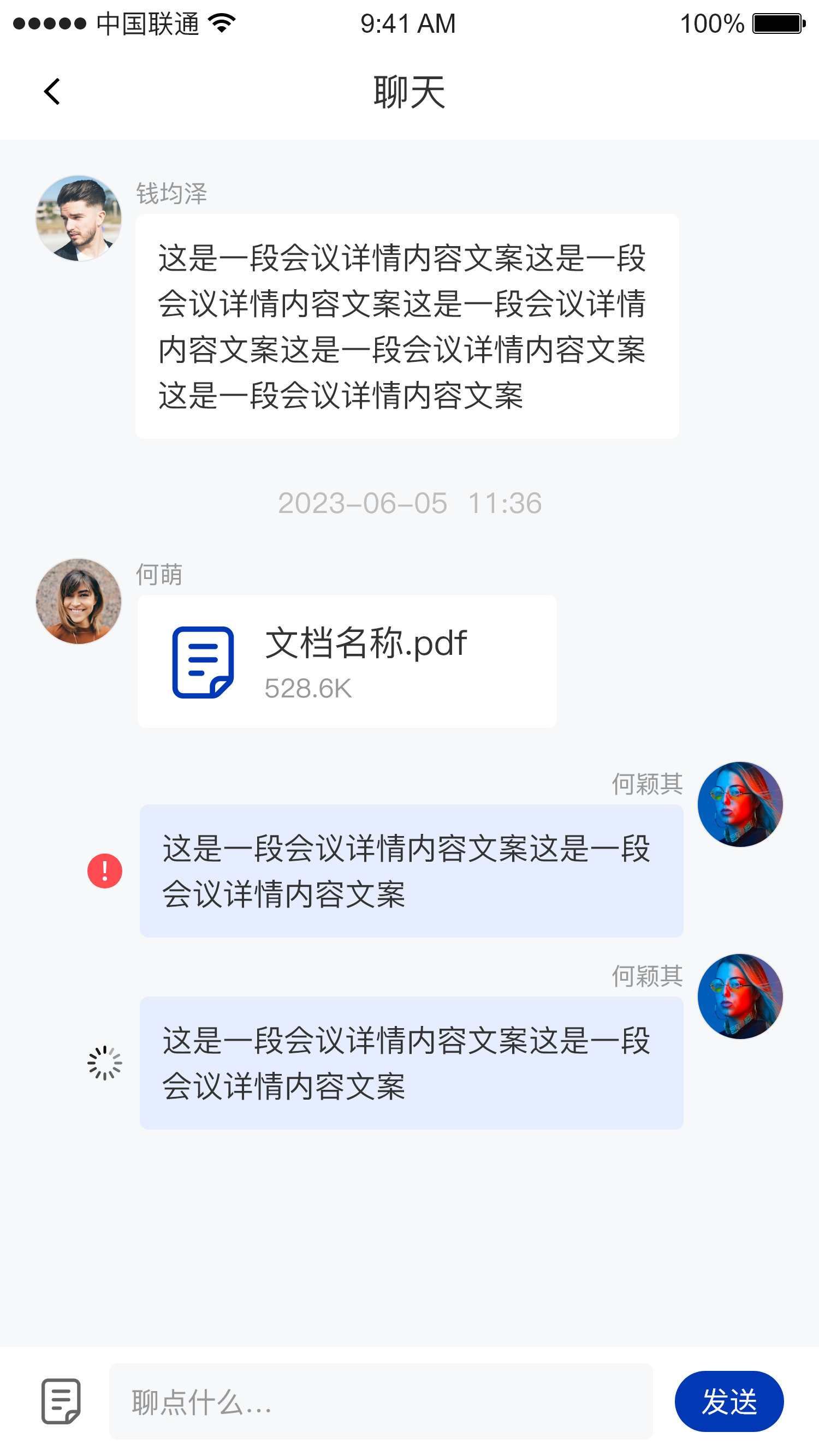
The in-meeting module mainly includes the meeting main page, the member list page, the invite members page, and the chat page The meeting main page includes the single-member view, the multi-member view, the screen sharing view, the composite meeting view, and the quality monitoring data window When you exit the meeting main page, you return to the Home page by defaultImport
- Copy the
inviteMemberandMeetingpackages under thecn.seastart.stmlinkpath into your project, and they are ready to use
Usage
Screenshots
| Single-member view | Single-member view | Multi-member view |
|---|---|---|
 |  |  |
| Screen sharing view | Audio routing dialog | Quality monitoring dialog |
|---|---|---|
 |  |  |
| Member list page (host) | Host actions dialog | Member list page (regular member) |
|---|---|---|
 |  |  |
| Chat page | File picker page |
|---|---|
 |  |